

Made to be stared at
Create images, they can't unsee.
Type your wildest fantasy. Watch it come alive as an image, a scene, or a song.
Choose what you want to make
IMAGE TO VIDEO
How can you turn a still image into a moving story?
Prompt, source image and settings all live in one bar. Here's a full run in four steps.Tools
AI Tools
AI Object Remover
Upload a photo and mark unwanted people, objects, text or clutter with a rectangle or brush. AI fills the selected area using the surrounding background.
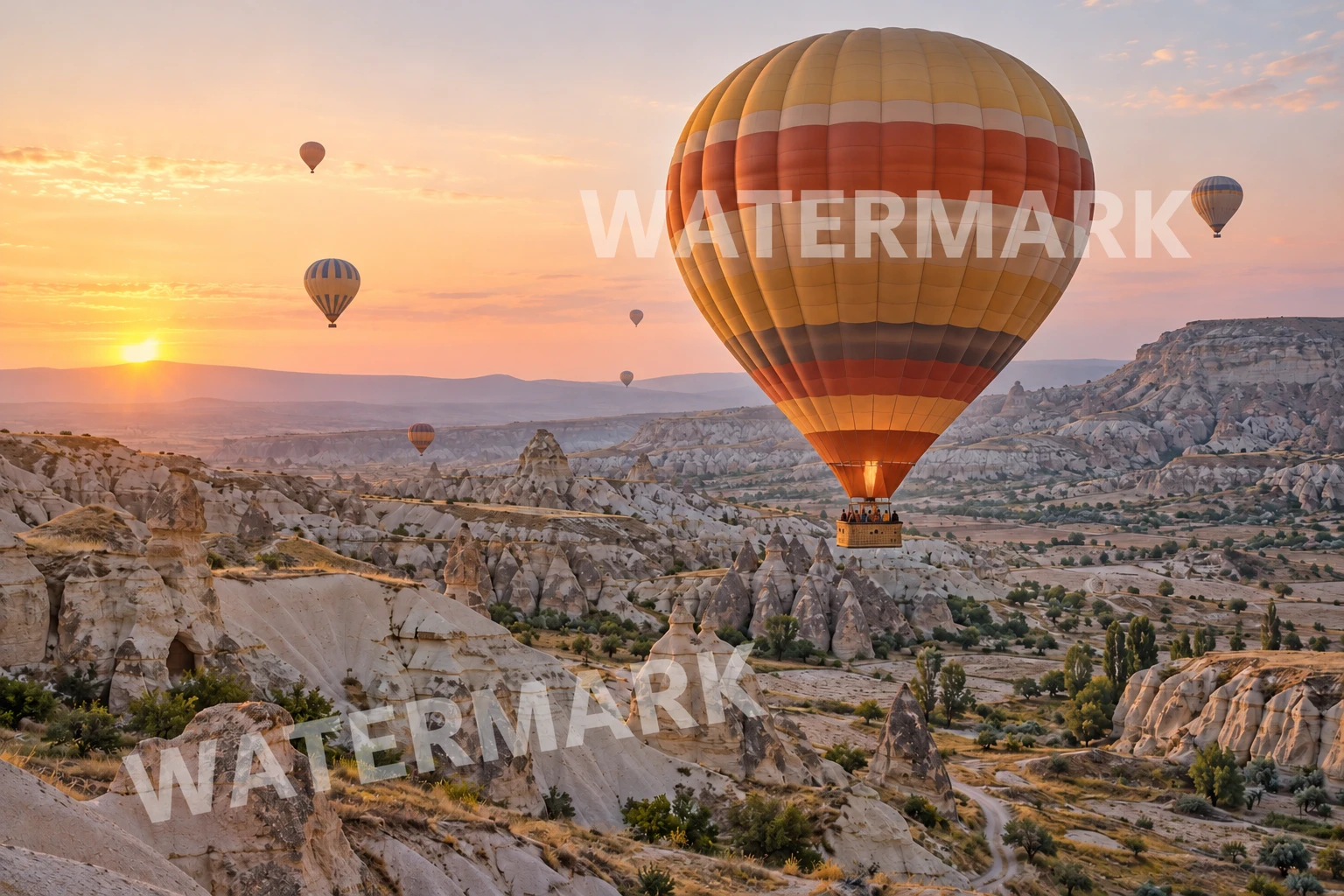
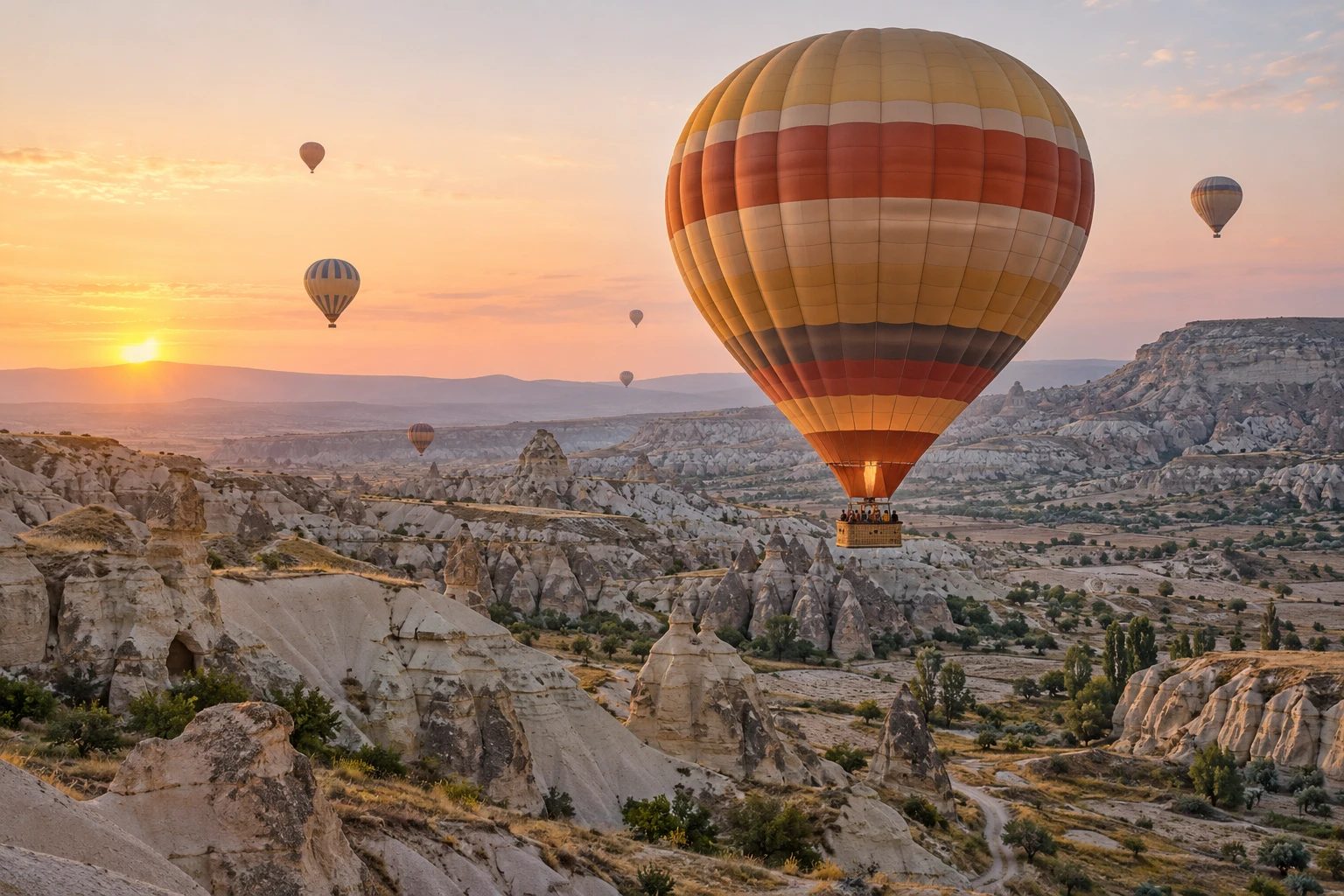
AI Watermark Remover
Upload an image and choose how to clean it up: brush over a watermark, remove one in a single click, erase an object, clear background bystanders, or redraw a pixelated area.
AI Face Swap
Upload a target photo and a face photo, pick Face, Head or Body swap, and let AI blend them while keeping the target's pose, lighting and background.
AI Clothes Remover
Remove clothes from a photo you own — slowly, exactly your way. What you can remove: only your own photo, or one with explicit consent.
Edit Image Text
An image text editor that recognizes the wording in your photo: upload a file, change the text, and generate an updated image.
AI Inpainting
AI inpainting is a way to edit part of a photo with a mask and a prompt. Upload an image, paint your selection and describe the change.
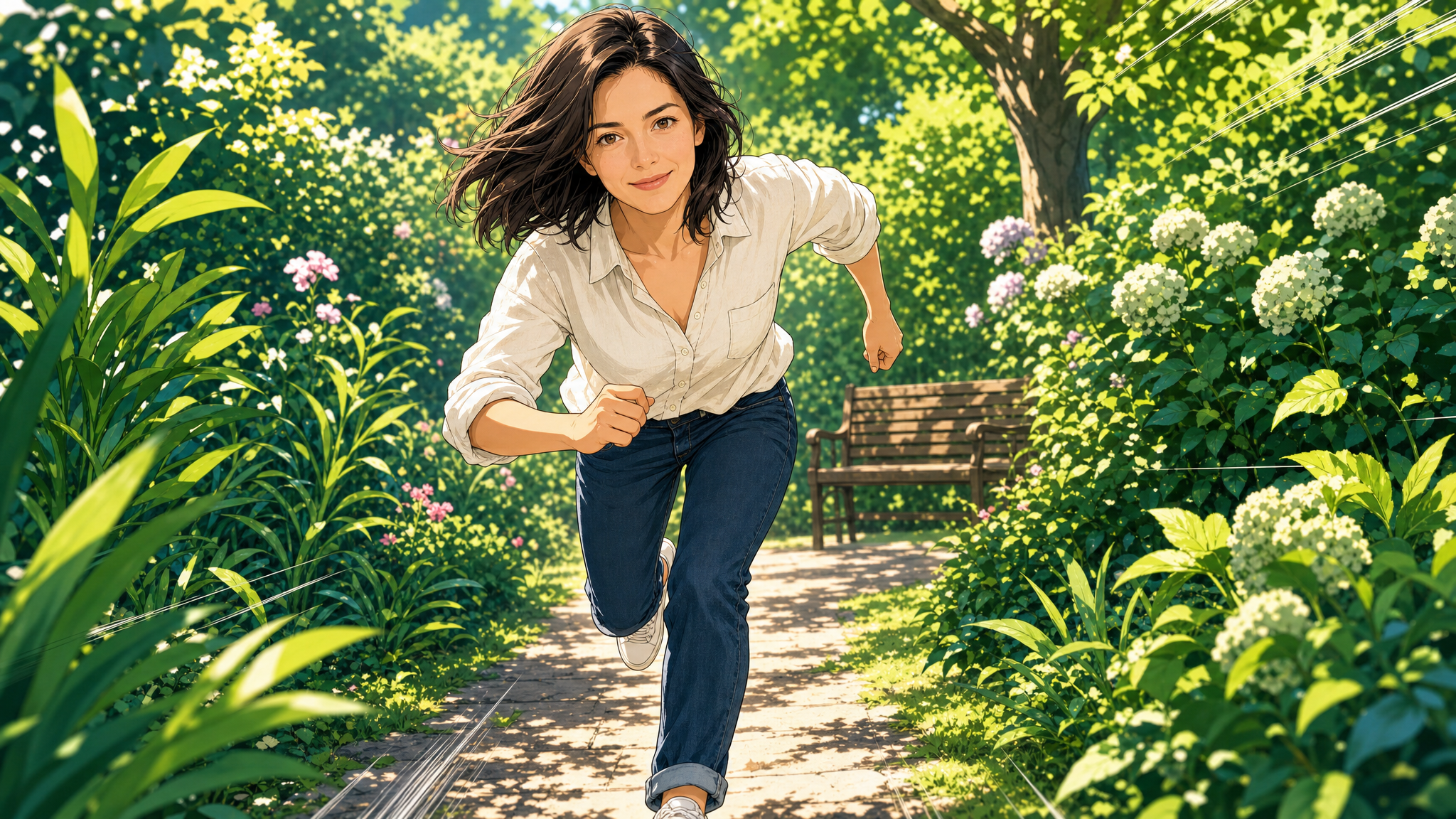
AI Comic
One photo, nine comic worlds to live in — manga ink, webtoon color, chibi roundness, and six more. Tell the prompt what you love about the shot — the hair, the jacket, that smirk — and watch the panel come back redrawn.
AI Outfit Changer
Explore a new outfit style for an image.
AI Image Expander
Give your photo more room. Choose a format, position your image, and let AI fill the surrounding scene.
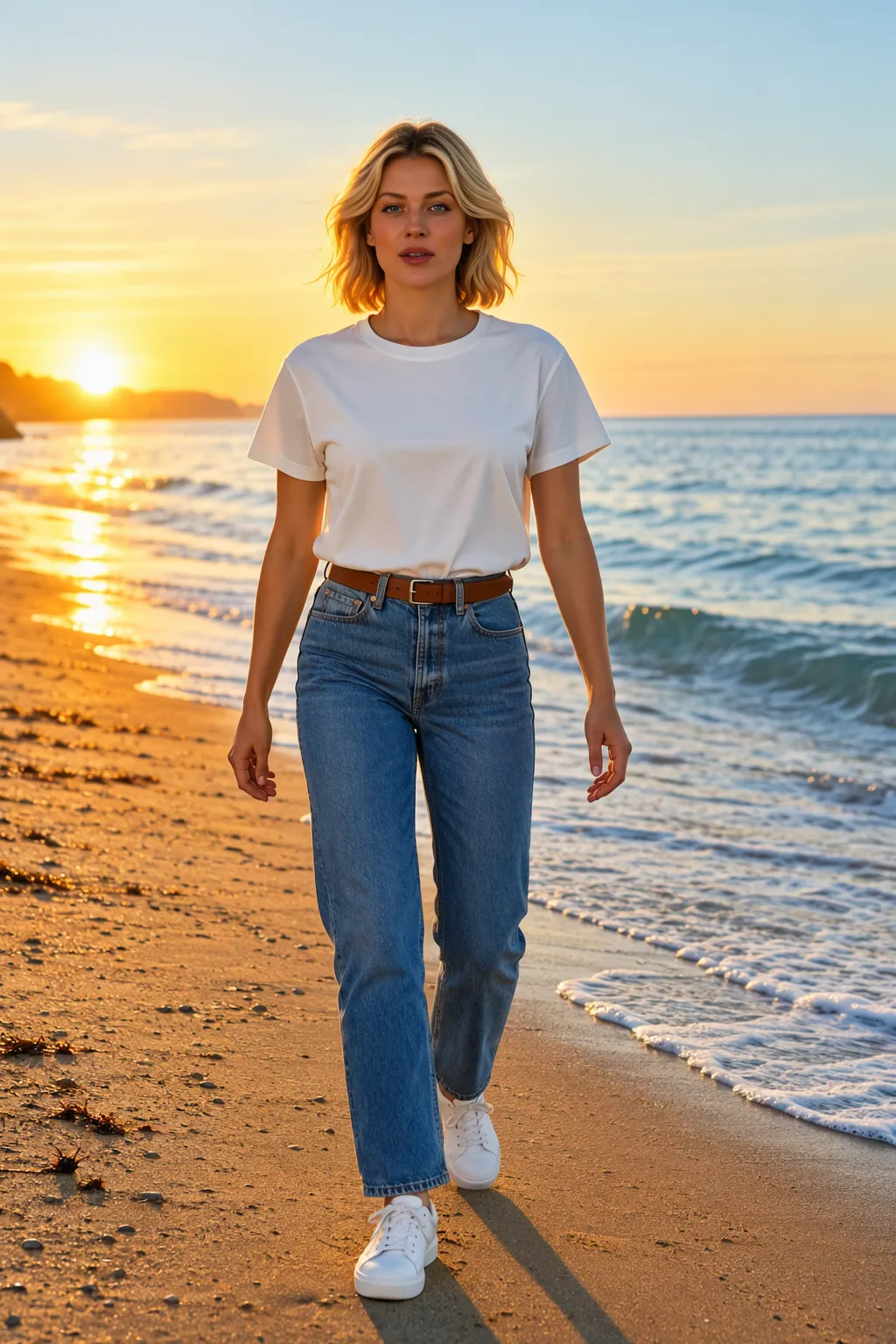
AI Pose Changer
Upload a photo and choose a pose, camera angle and framing.
Christmas Photos
Create a Christmas portrait from your photo. Choose satin, velvet, a snowy window, or a fireside satin look with warm tree lights, then add your own details.
Halloween Photo Editor
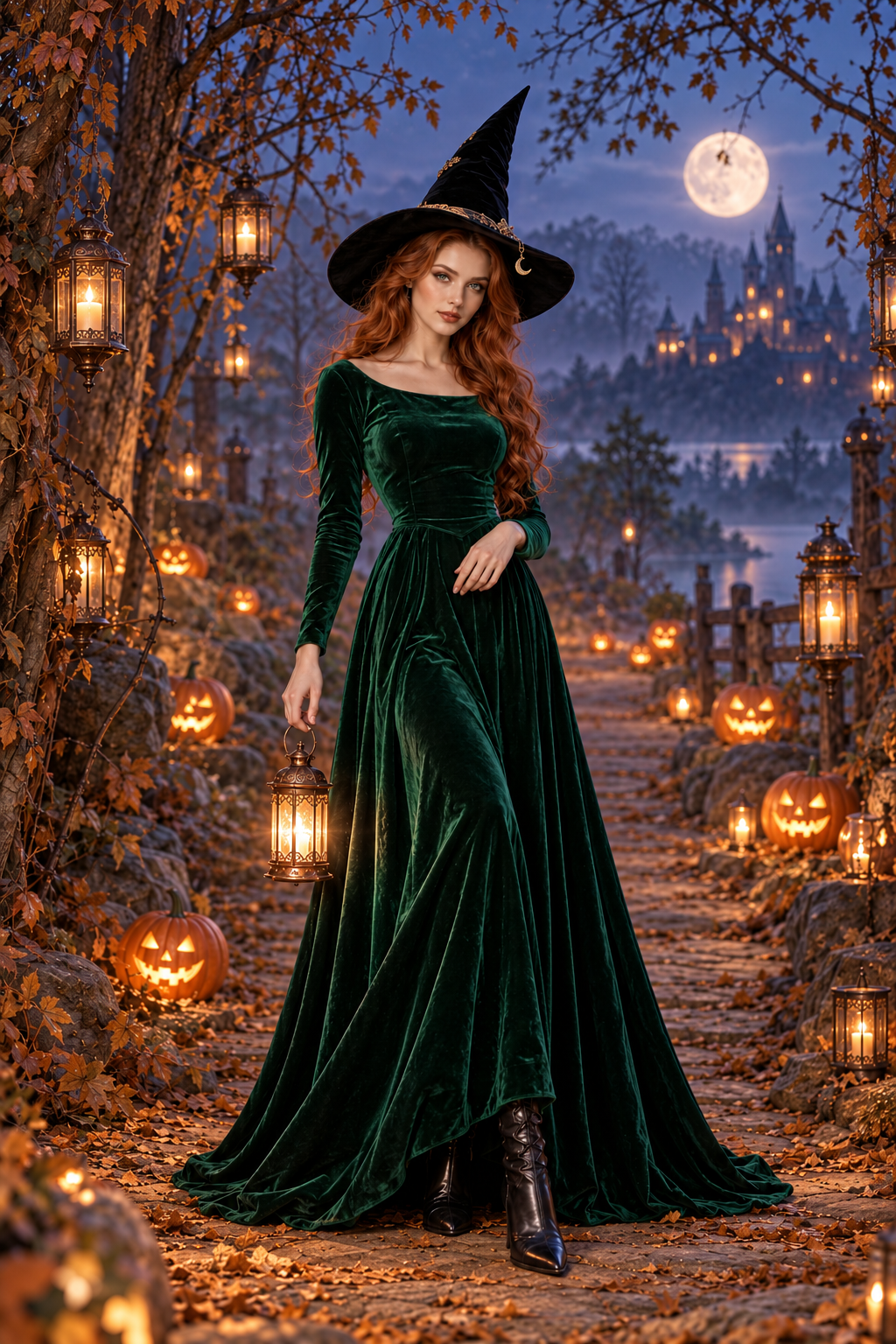
Upload your photo and choose a Halloween look.
AI Image Upscaler
AI image upscaling is a way to generate a higher-resolution version of an existing image. Upload a photo, choose an available output size, then compare inferred details with the original before downloading.
AI Effects
Pick a motion effect, upload a photo, and turn it into a short animated video. Tweak the prompt any time before you generate.
AI Kiss Generator
Turn two portraits or one couple photo into a short AI kissing video. Upload your photos, check the credit estimate, then preview the faces and motion before downloading.
Christmas Videos
Describe a Christmas scene, or add your photo for a Santa makeover, a couple's wave or a festive pet. Pick a scene and make it yours.
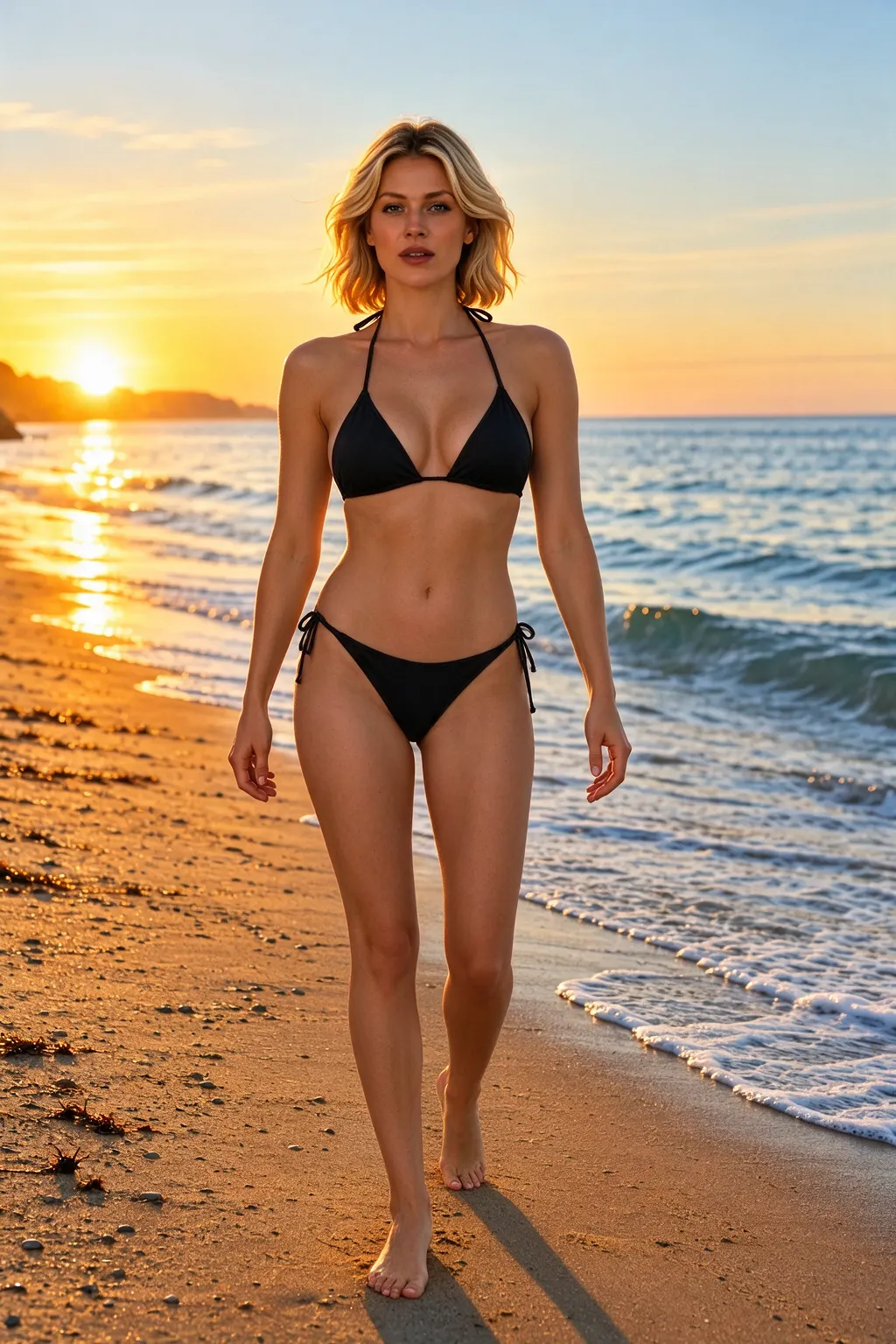
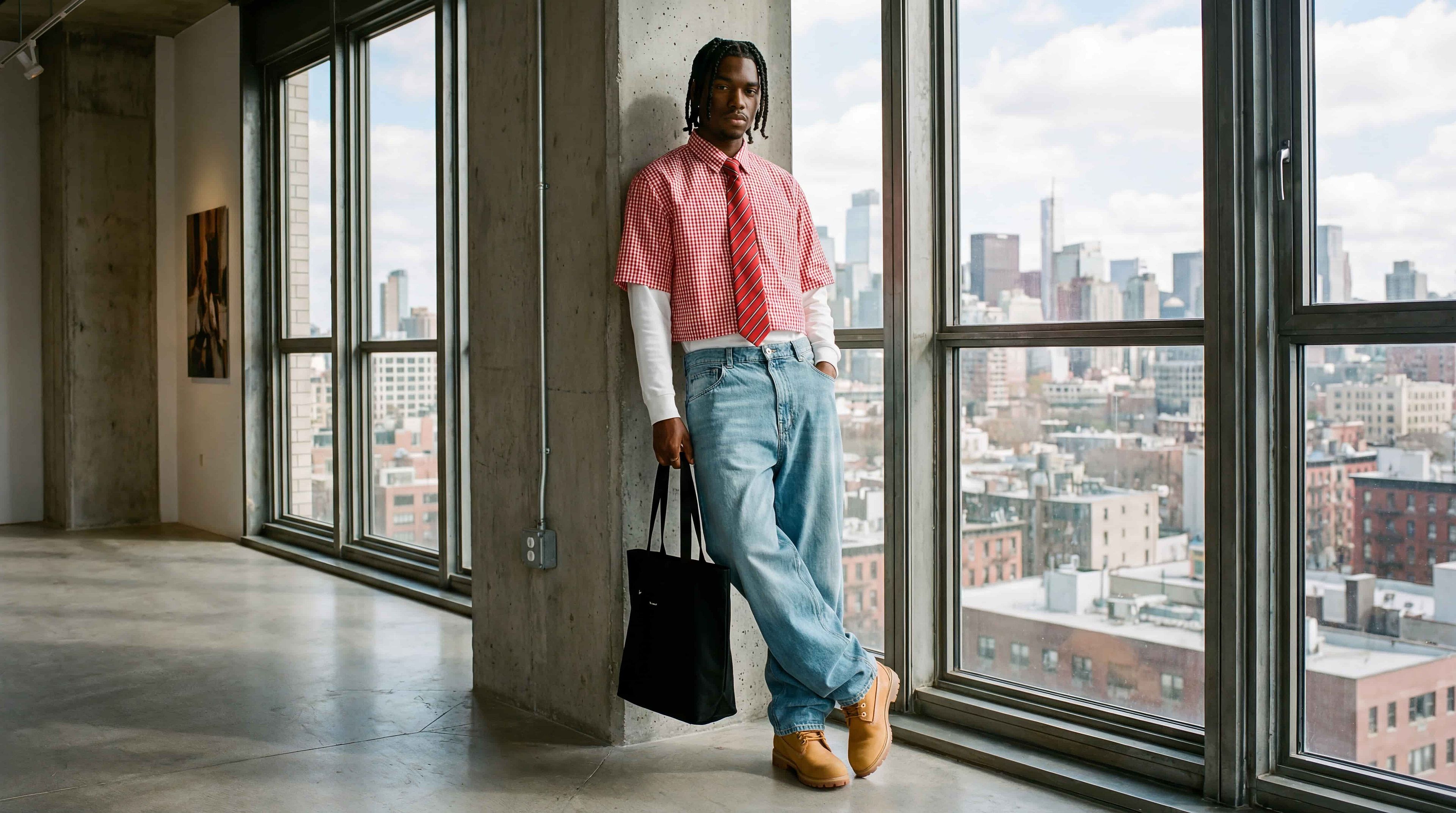
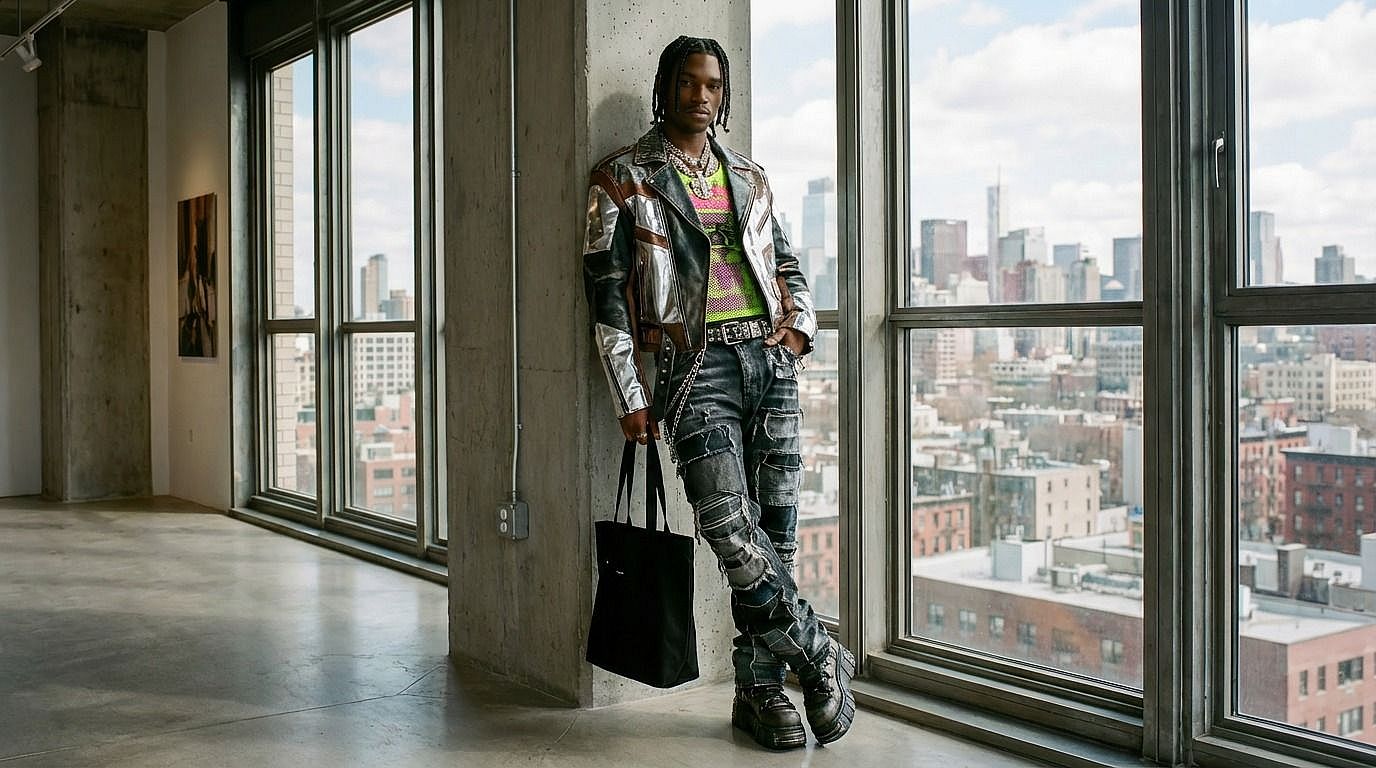
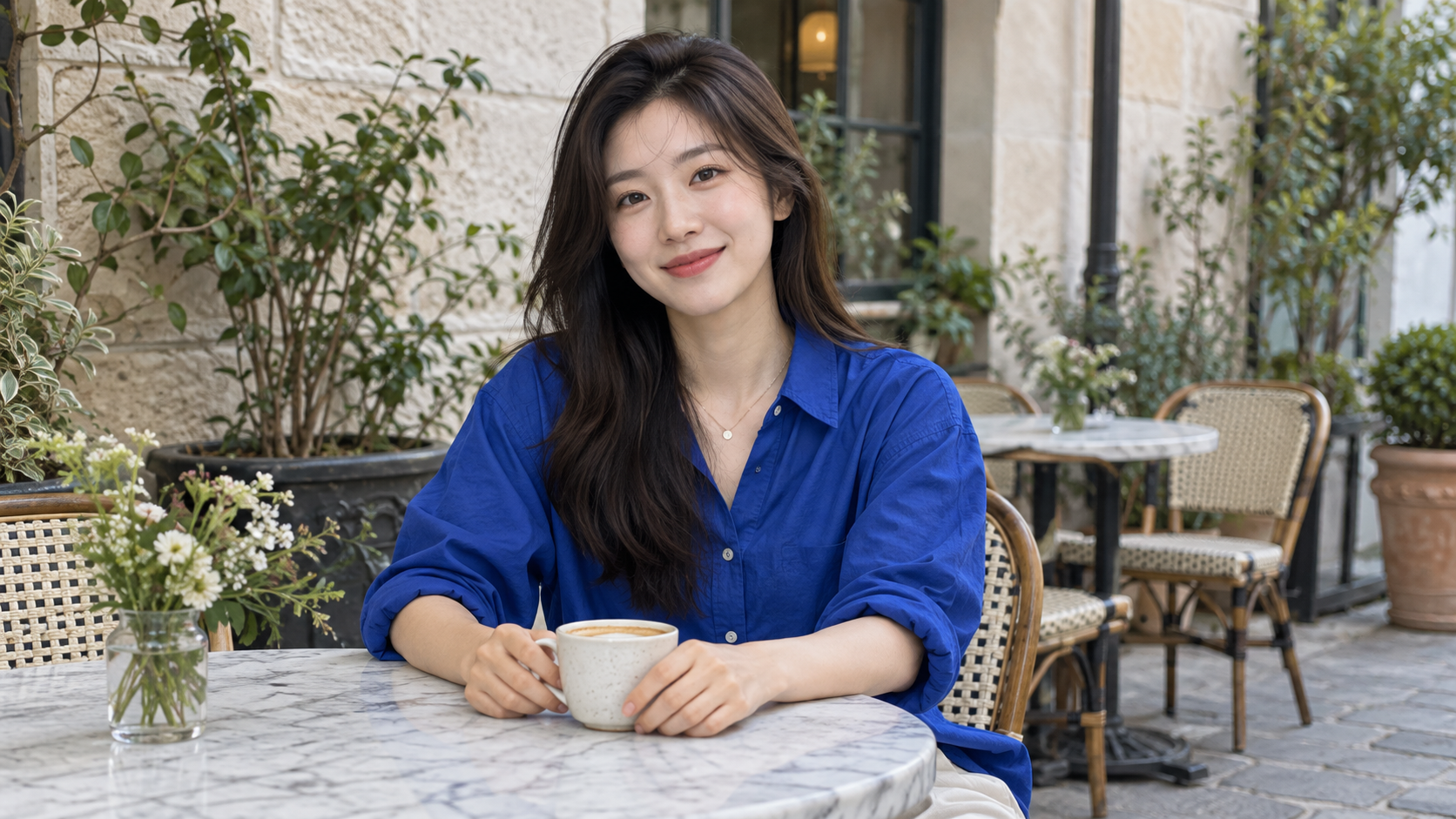
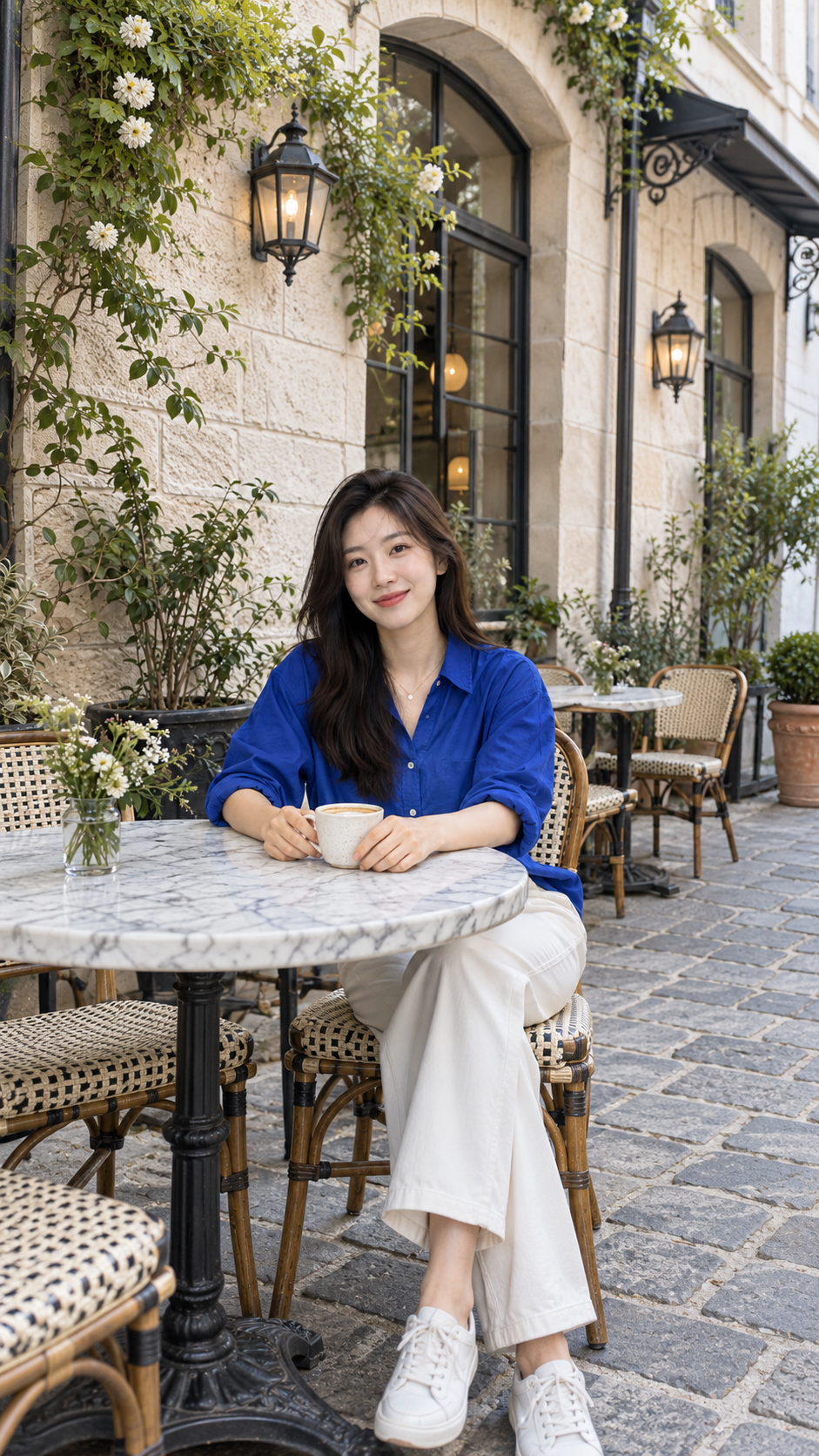
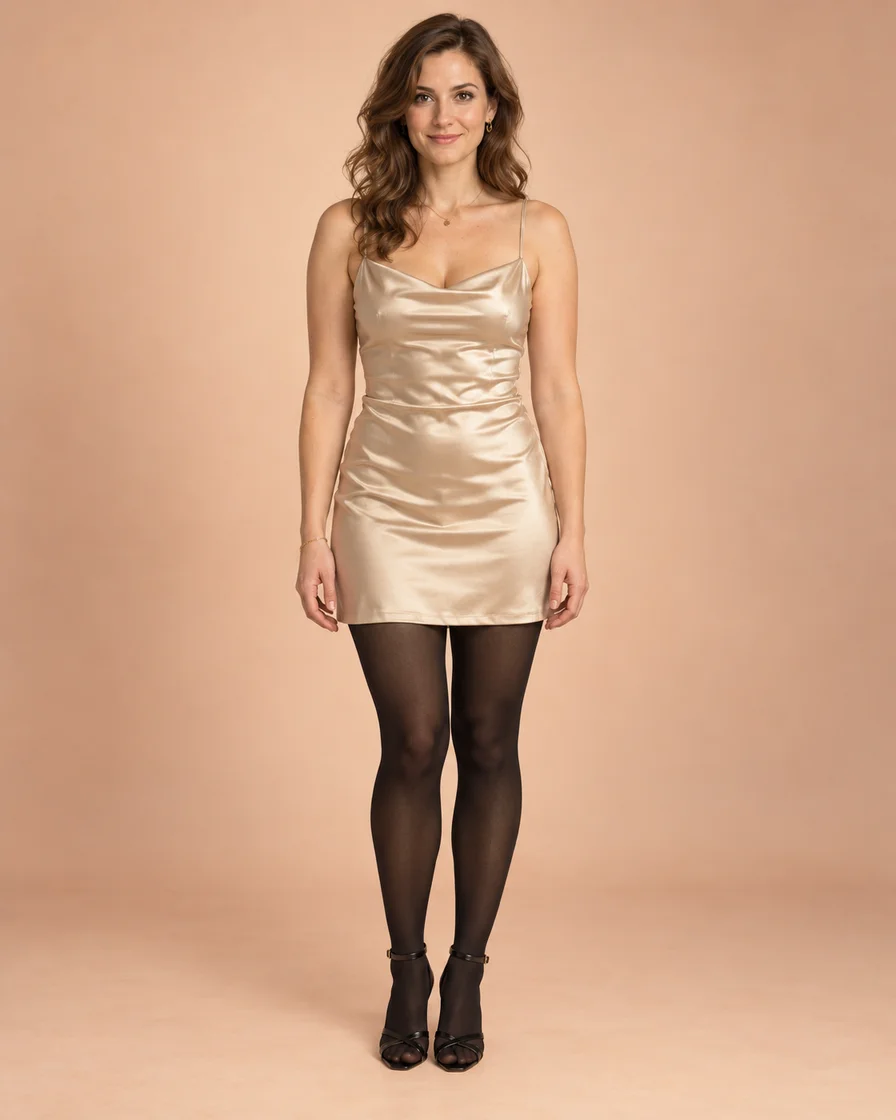
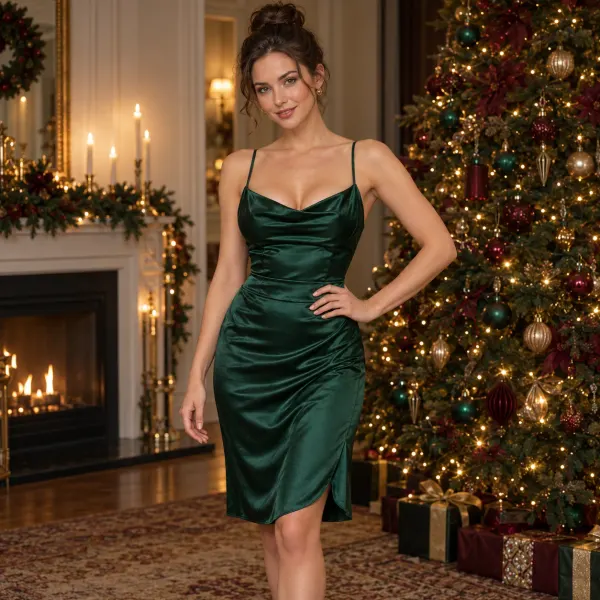
Describe the motion
Write how the camera and subject should move. Enter sends it; Shift+Enter adds a line.
Describe the motion
Write how the camera and subject should move. Enter sends it; Shift+Enter adds a line.
Drop in the first frame
Drag your image onto the source slot. The video starts from this exact frame.
Set length and framing
Open the settings button to pick duration and aspect ratio. It always shows your current choice.
Generate
The button shows the credit cost before you press it. The finished clip appears on the canvas above.