
Uses for image upscaling
Keep the image you like, with more room for detail. From creative artwork to product visuals, prepare a version that better fits how you want to display and share it.
Start AI image upscalingHow to upscale images in three steps
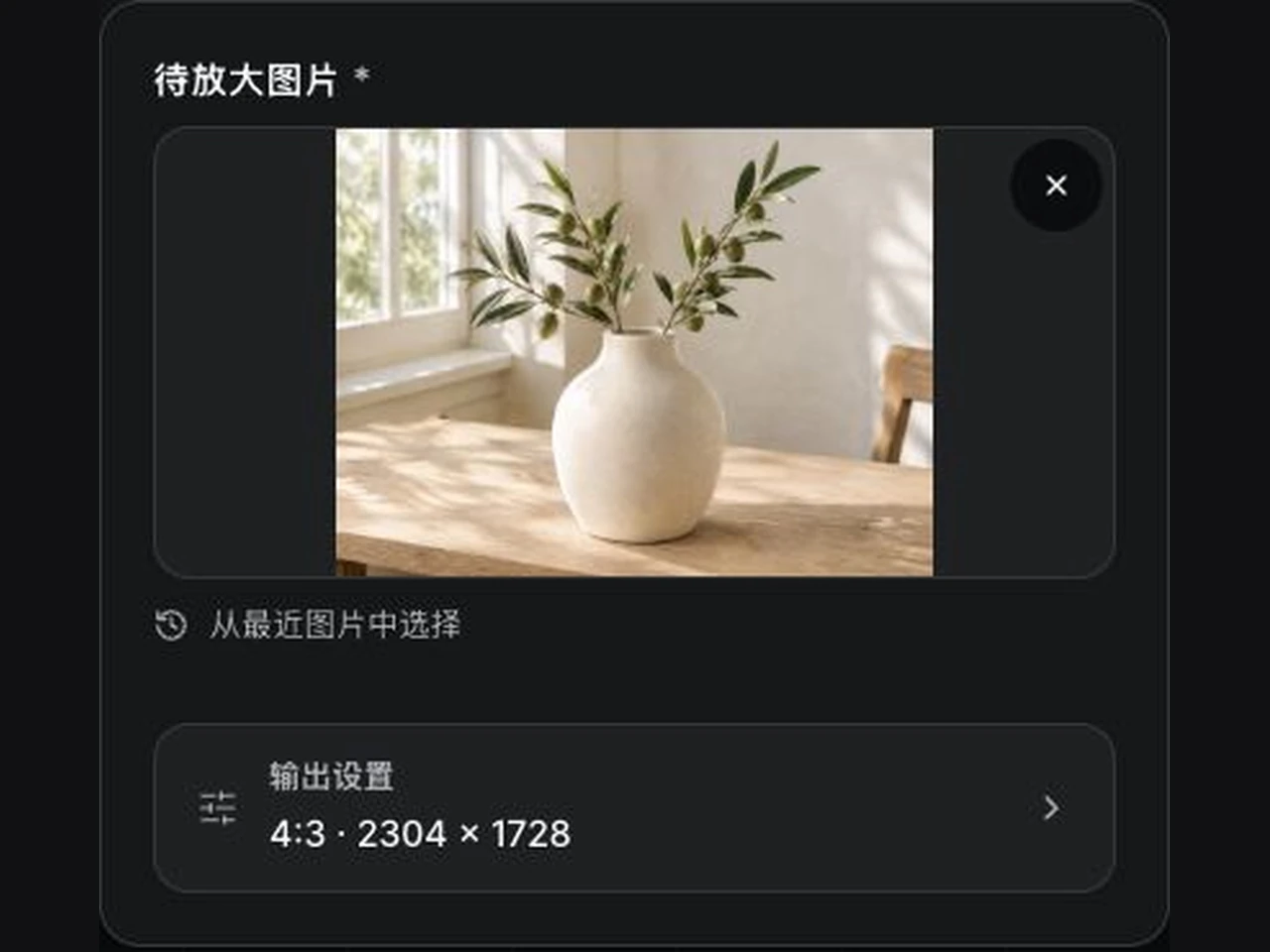 1
Upload the image you want to upscale
Start with a photo, AI artwork, product image or design asset. JPG, PNG and WebP files up to 10 MB are supported.
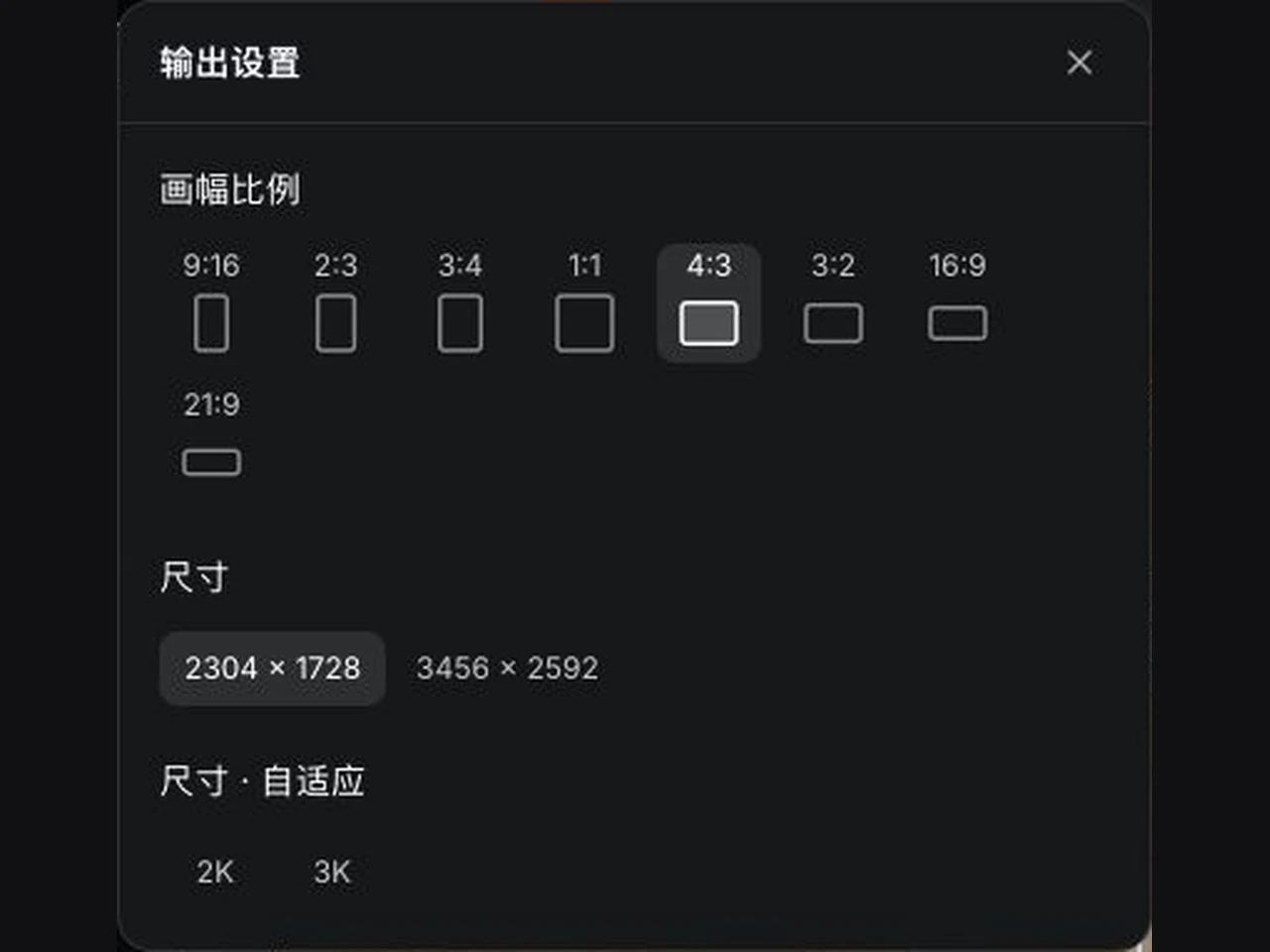 2
Choose the output resolution
Select an available size in output settings and review the estimated credit cost before starting. Options depend on the current model.
- 3
Compare and download the result
Follow generation in My works. When it finishes, drag the comparison slider to review the original and result, then download.
Create clearer image assets
Upload, configure, generate, compare and download in one workspace. Choose output for your intended use and check key details against the original.
Resolution from output settings
Available sizes depend on the current model and settings. A scale multiplier and a resolution label are different measurements.
AI detail for edges and textures
Improve the presentation of detail and some noise or compression artifacts. AI may infer missing information, which needs review.
Source-based proportions
The default size selection uses a nearby available size based on your source, with an instruction to preserve its subject and layout.
Generation history and downloads
My works keeps generation progress and completed results together for review, comparison and downloading.
Image upscaling FAQs
What is AI image upscaling?
AI image upscaling takes an existing image and generates a higher-resolution version while attempting to add edge, texture and fine detail. Use it to continue with an existing visual idea. For a new image, start with the AI image generator.
Which file formats can I upload?
JPG, PNG and WebP files up to 10 MB are supported. Use the best-quality source you have and avoid repeatedly compressed screenshots to make the result easier to compare and review.
What output resolution is available?
Check the output settings for sizes supported by the current model. The final image dimensions are what matters. This tool does not guarantee that every image can be generated at 4K or 8K.
How is 4× upscaling different from 4K output?
A scale multiplier describes a size change relative to the source. 4K describes an output resolution category. They are different measurements; the source dimensions and aspect ratio affect the result. This tool uses the size options in output settings.
Does generating an image cost anything?
Generation uses credits. Review the estimated cost shown on the generation button and confirm that you have enough credits before starting. The page shows the applicable cost and available output options.
Will it change the original subject or composition?
The instruction aims to preserve the subject, composition, background and style. Output proportions use the source by default. Generative AI can change local details, so identical content is not guaranteed. Check faces, text, logos and product features.
Can it unblur or enhance a heavily blurred or pixelated image?
AI can attempt to unblur a soft photo and sharpen edges, textures and fine detail, but it cannot guarantee recovery of real information already lost from the source. A poor source may lead to inferred details. Review important photos and product information manually.
Can I upscale product images?
You can upload product images to try improving their display size, edges and texture. Before publishing, verify colors, materials, packaging text, model numbers and logos so the result accurately represents the product.
Can I upscale AI-generated artwork?
You can use existing AI images as input and select an available output resolution. Upscaling does not fix every source issue. First replace incorrect existing text with the text editor, make local structural edits with inpainting, or remove unwanted objects with the object remover as needed.
Where can I follow generation and download my work?
After starting generation, open My works to follow the task. When it finishes, inspect the result, compare it with the original using the slider and save it with the download button. Return to AI Image Upscaler to upload and configure another image.
Can I increase the resolution of an image online?
Yes. Upload the image, pick an available output resolution and generate; the whole flow runs in the browser. Enlarging a picture adds inferred detail rather than restoring what was never captured, so compare key areas with the original before publishing.
Explore more image tools
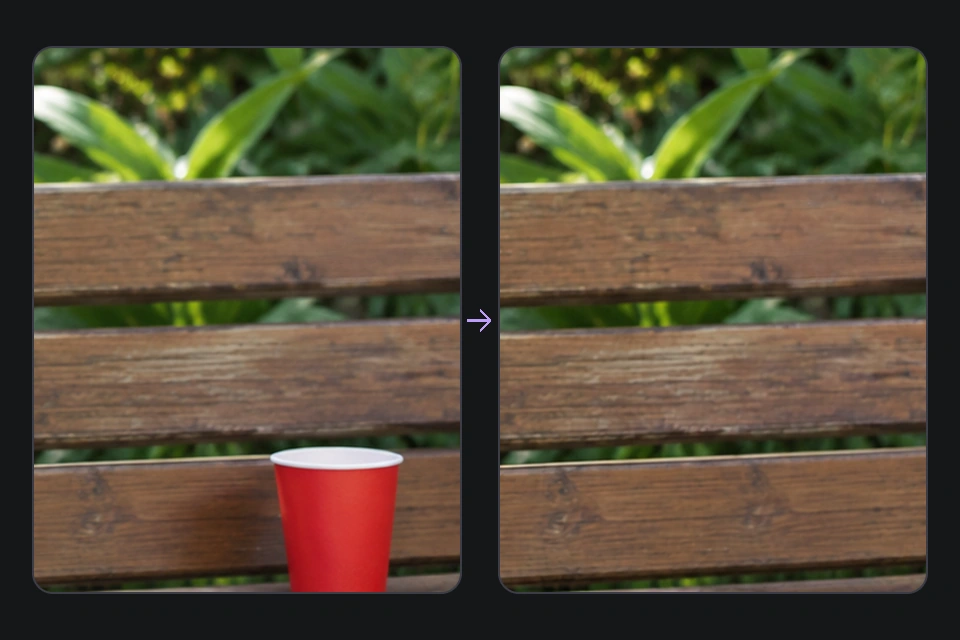
AI Object Remover
Brush over unwanted objects to clean up the scene while keeping the subject.
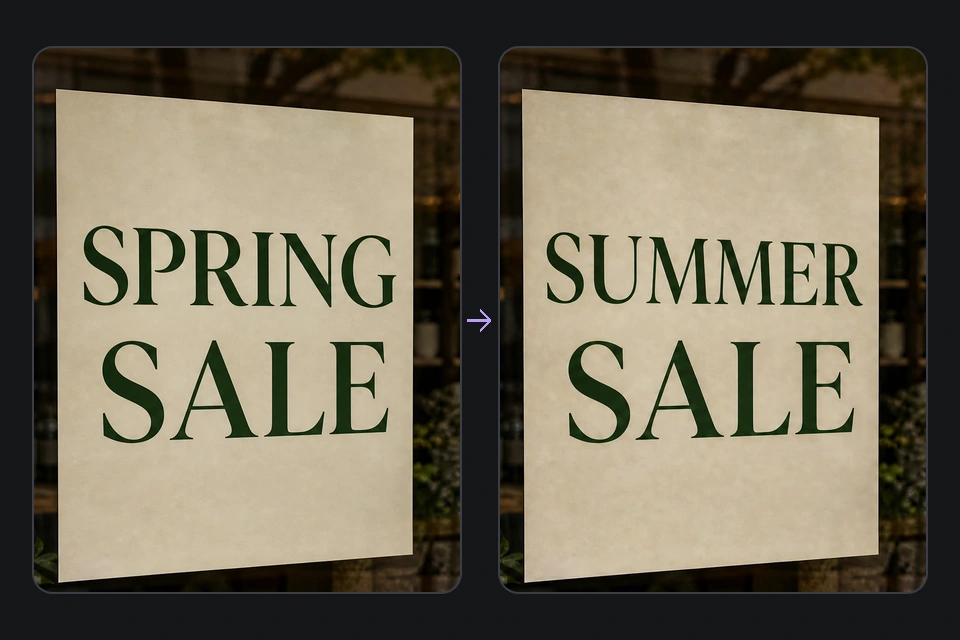
Edit text in images
Recognize text already in a photo and replace it line by line before upscaling the final version.
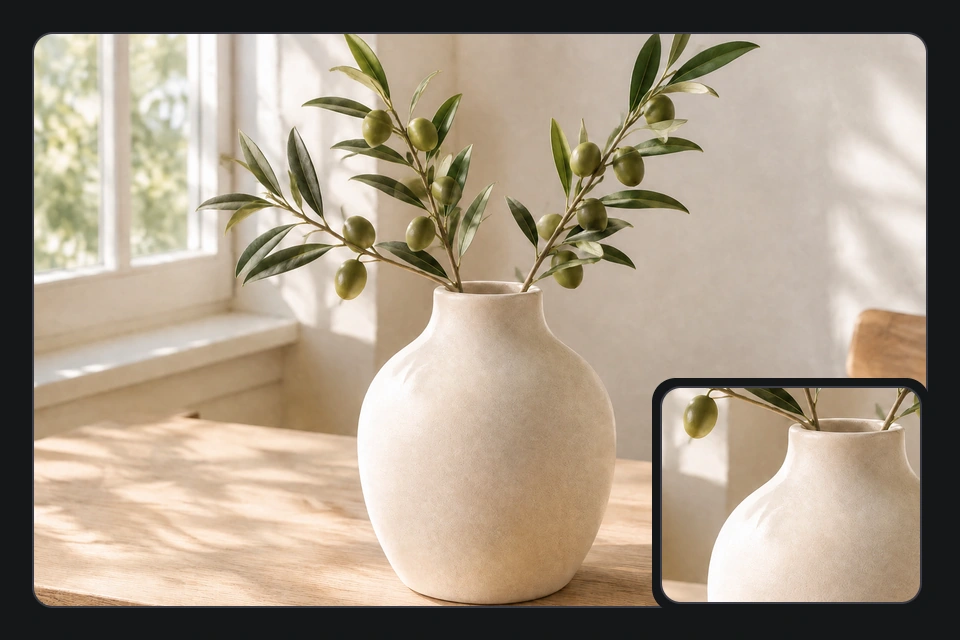
AI Watermark Remover
Work on watermarks and distracting elements in existing images.
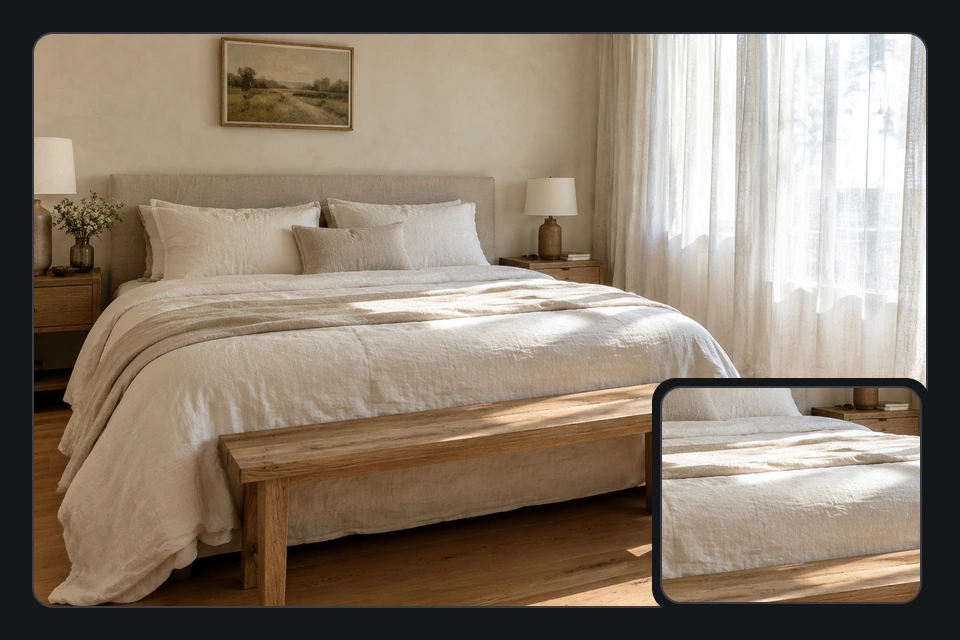
AI Image Gen
Start from a text description and create a new image.
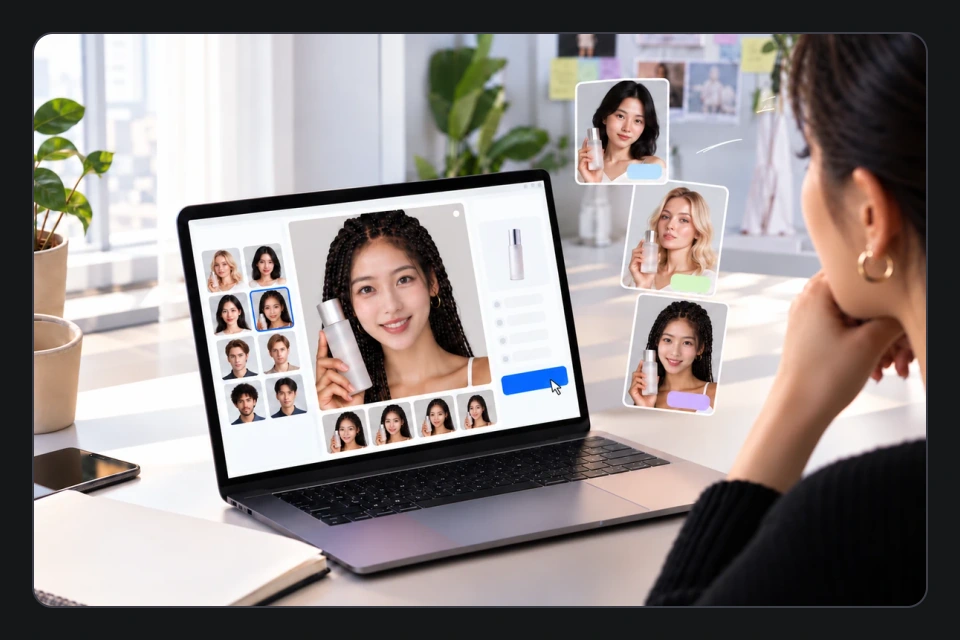
AI Face Swap
Explore image creation with a reference face.
Make your images clearer
Start with an image you already have, choose an output resolution and let AI add detail. Generation uses credits; compare and review before downloading.
Start AI image upscaling