01
Photo to comic art
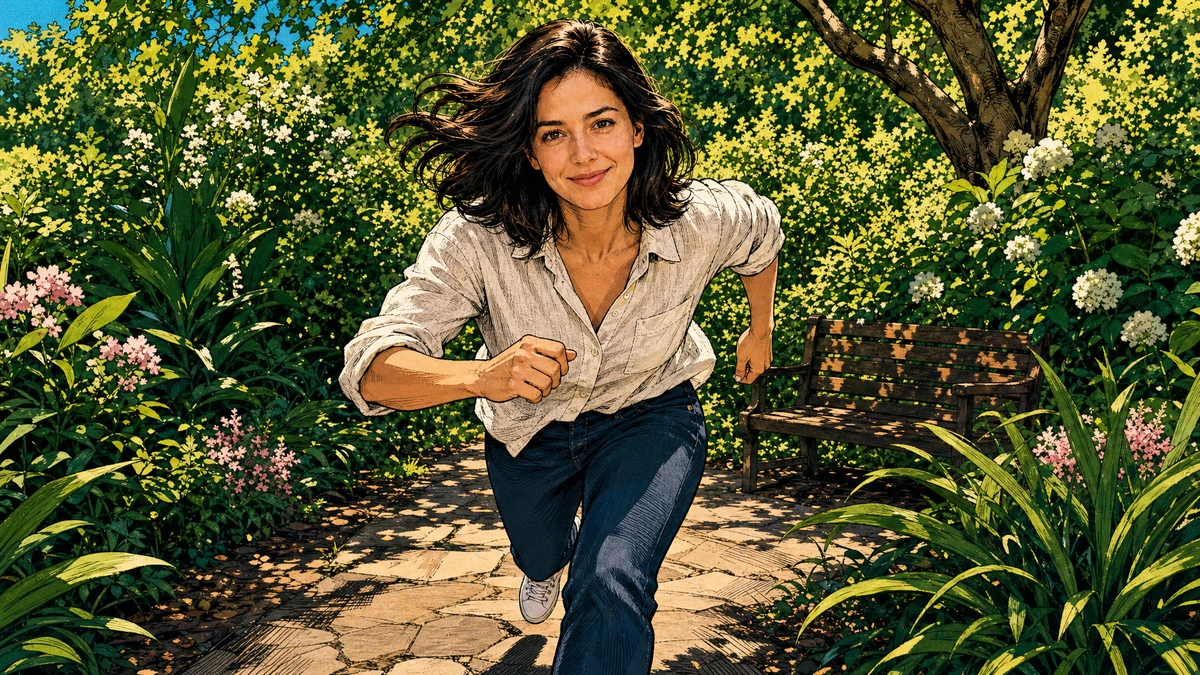
Turn a favorite photo into a panel you'd frame, post, or send to the person in it.
Create a panel
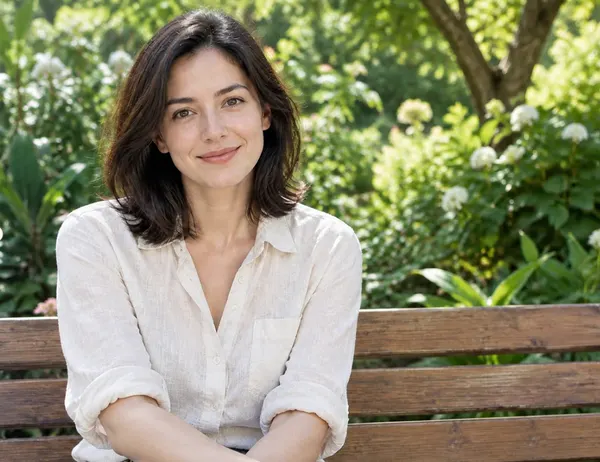
An AI comic generator is a tool that turns 1 source photo into a static comic-style image. Choose from 9 styles, describe the details to preserve, then compare the result with your original.
Turn a favorite photo into a panel you'd frame, post, or send to the person in it.
Create a panel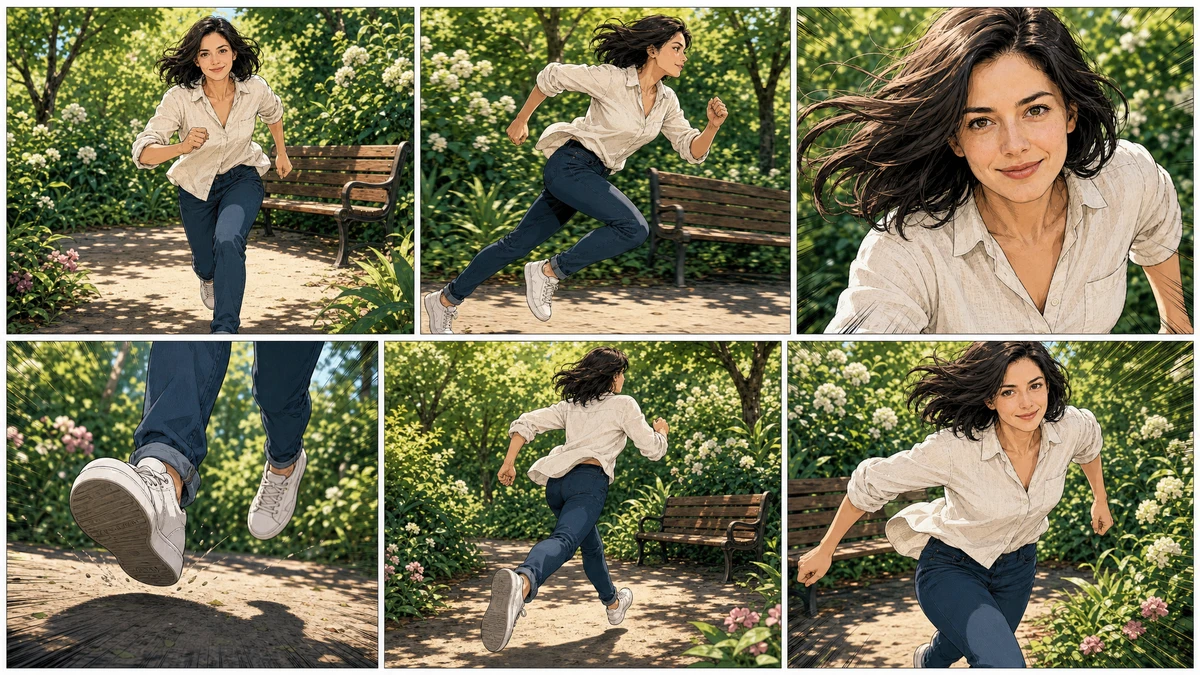
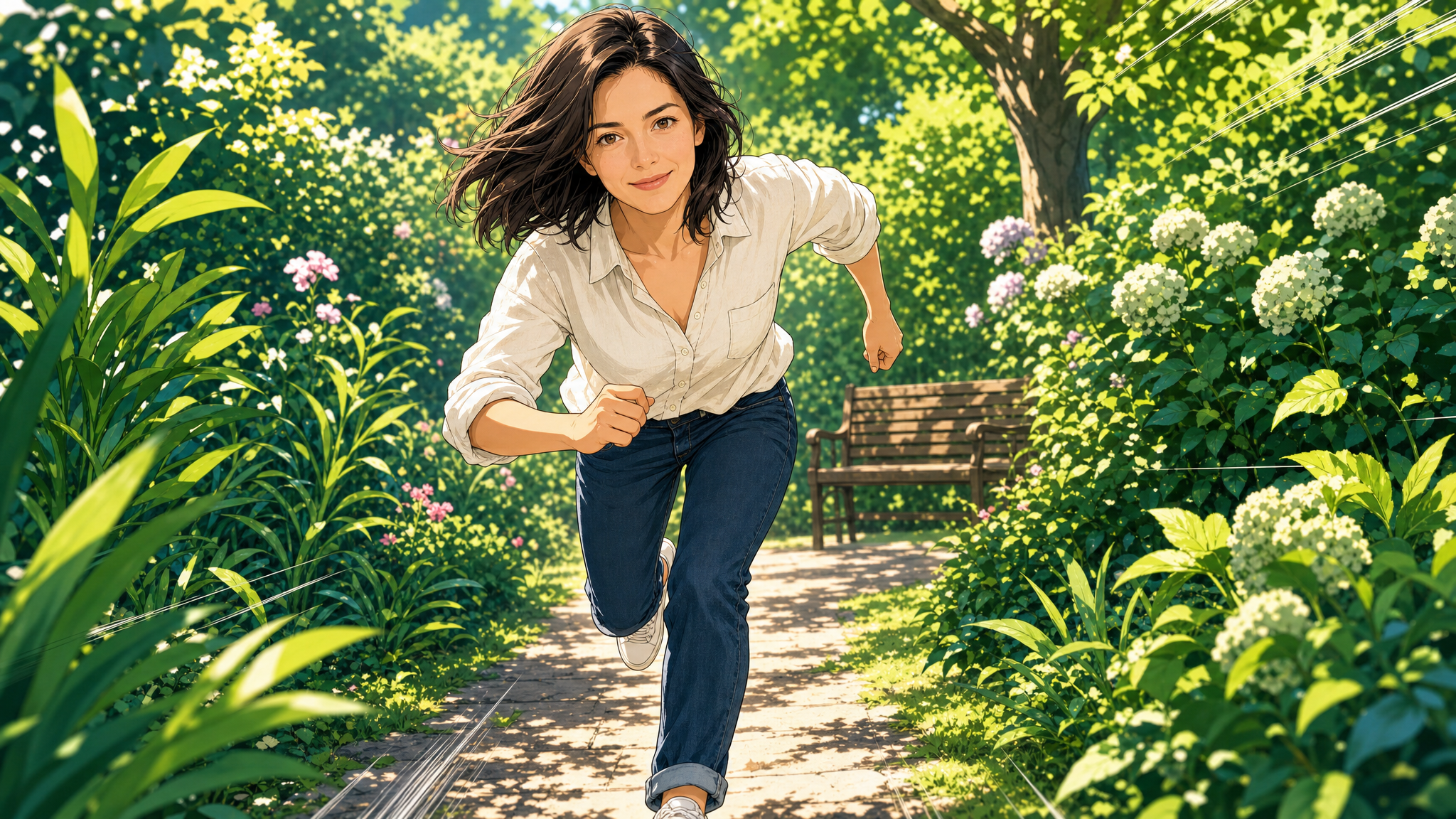
Feel the difference between manga ink drama and webtoon color glow on the same face.
Make a storyboard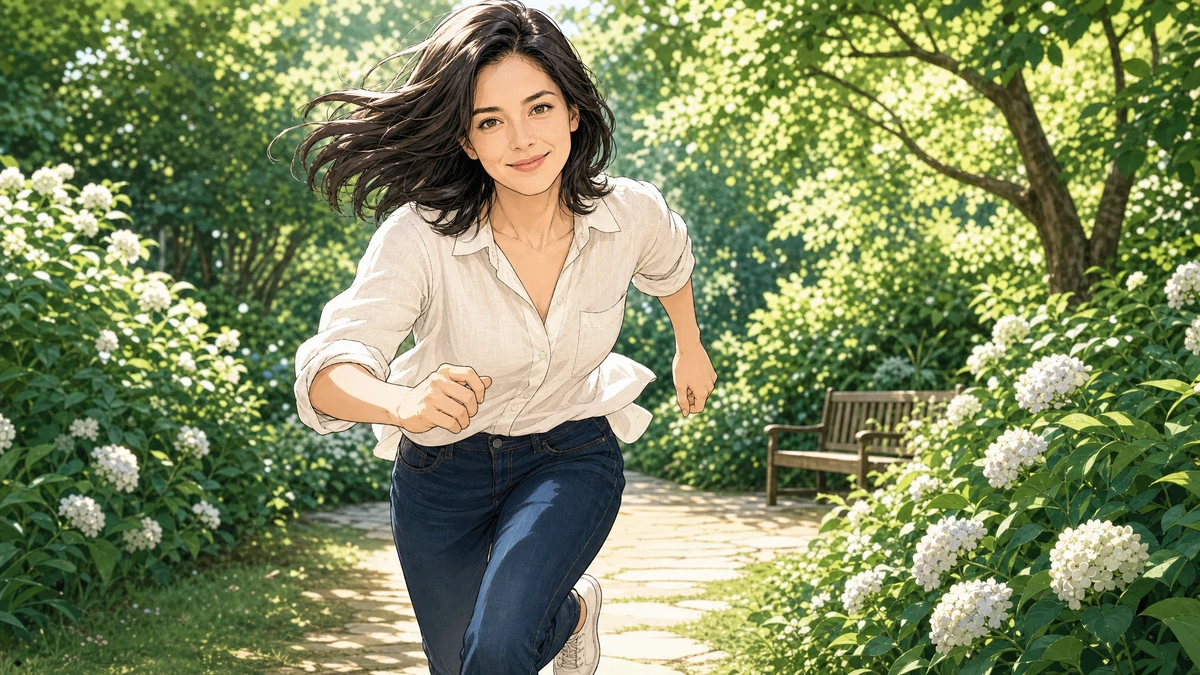
Redraw yourself or an original character in a chosen style.
Generate Manga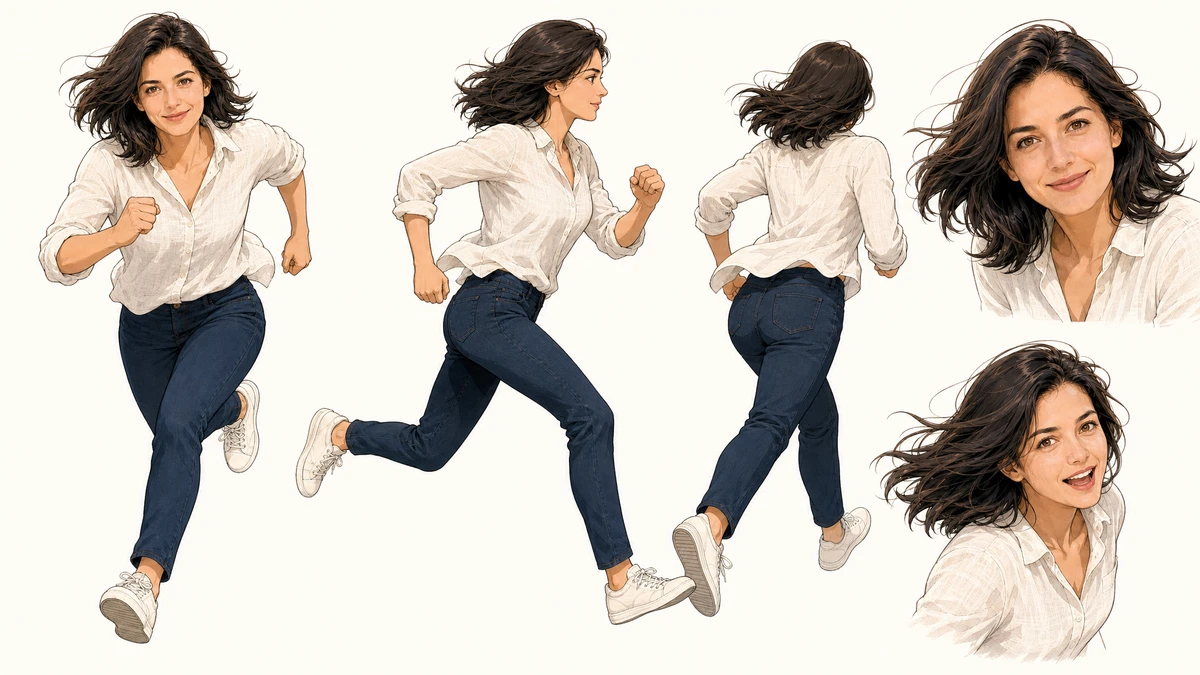
Sketch a single-image panel arrangement to plan a scene.
Design a character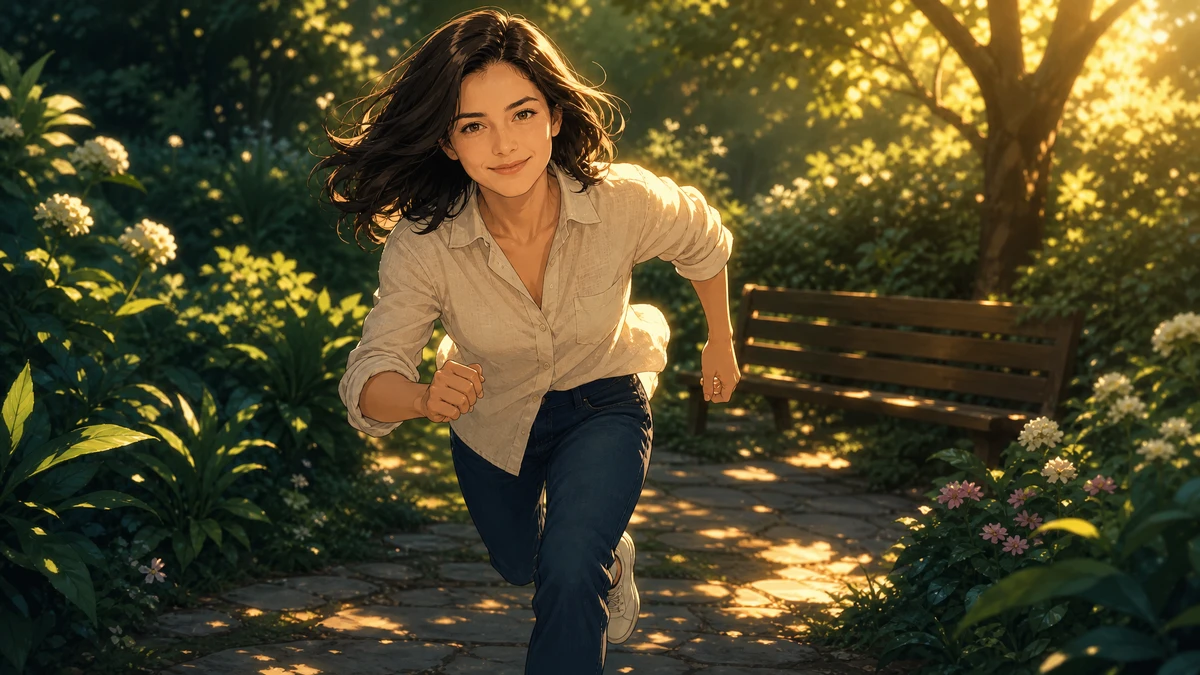
Preview a comic-cover look before commissioning real art.
Create a coverUpload one JPG, PNG or WebP image — a photo you own or have permission to use. Pick a clear portrait or scene with the subject and framing you want to keep; it becomes both the reference and the compare source.
Compare the nine style previews — manga ink, webtoon color, chibi — and pick the mood that fits. Want to keep the hair, the outfit, the smirk? Say so in the prompt.
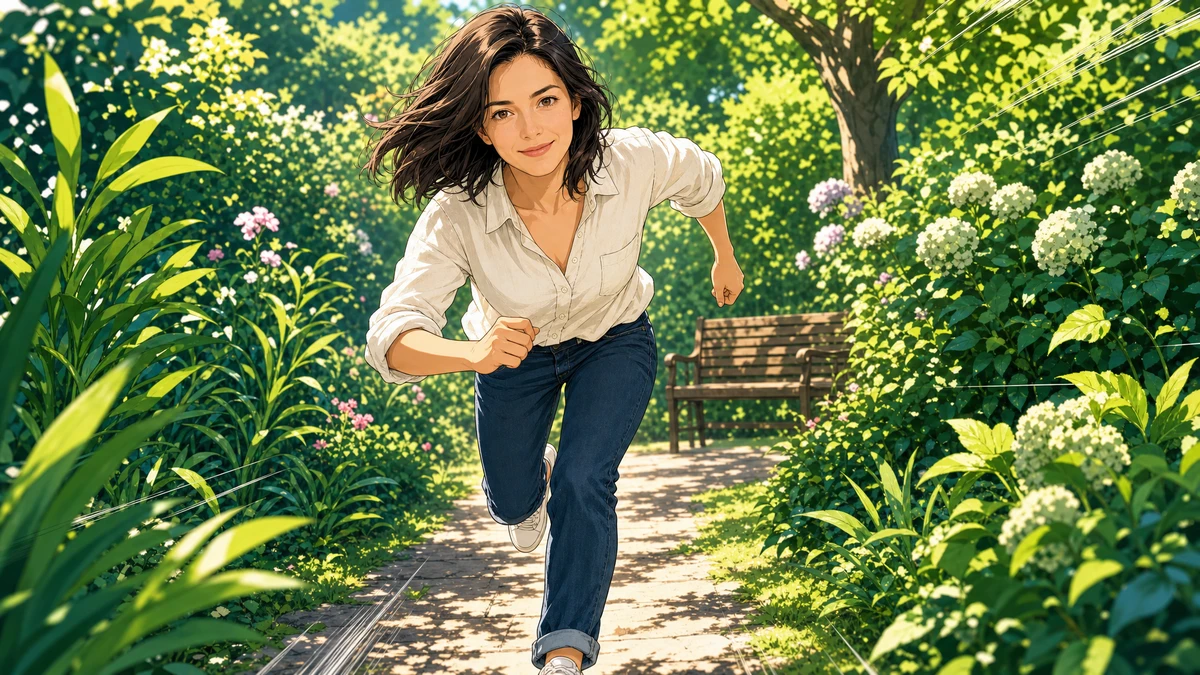
Check the credit estimate and generate your comic image. Compare it with the original photo, then download or try another style while your photo and prompt stay in place.
It turns one uploaded photo into a new static comic-style image. Choose from nine styles — Manga, Webtoon, American comic and more — and optionally describe details to keep or change. Use photos you own or have permission to use.
Yes. Upload your photo, compare the Manga and Chibi previews, and choose the look you want. Generate and check the result against your original. This creates an anime-style still image, not an animated video.
Add your image, select American comic or Manga, and optionally describe the outfit, expression or background you want. Check the credit estimate, generate, then compare and download your comic image.
No. This page requires one source image. Use the prompt to describe the style, scene and details you want to keep or change in that image.
The photo is the reference for the person, pose and composition. Describe the details you want to keep — hairstyle, outfit, expression — and compare the result with the original. Use photos of yourself or people who agreed.
Check any lettering in the generated image. If you need exact dialogue or longer text, add it afterward in an editor with text layout tools and proofread each speech bubble.
Start with an image framed for your intended use. The initial output size uses an available setting close to your source image’s proportions. Check the current panel for other available settings, and review cropping after generation.
Look at the linework, color and composition to choose a style that fits your photo. Then compare your generated image with the original.
Generating an image uses credits. Sign in to check your available balance and review the current credit estimate before generating. Available credits do not mean unlimited free generation.
Storyboard can produce a panel arrangement within one image based on your uploaded reference. Check the panel count, details and lettering. This page does not provide multi-page editing or automatically build a complete comic book with consistent characters.
AI COMIC CREATOR
Start your photo-to-comic transformation: add one image, pick the style that fits its mood, check the credit estimate, and see the redraw.
TransformTurn a photo into comic art, anime or manga. Choose a style to start.
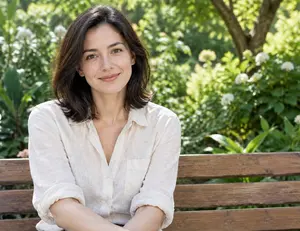

Add a photo to start