AI Image Gen
ImageVideoSeedanceMusicMy Creations
Pricing
Subscribe Now
ImageVideoSeedanceMusicMy CreationsPricing

Image Tools

AI Object RemoverAI Watermark RemoverAI Face SwapAI Clothes RemoverGoEdit Image TextAI InpaintingAI ComicAI Outfit ChangerAI Image ExpanderAI Pose ChangerChristmas PhotosHalloween Photo EditorAI Image Upscaler

Video Tools

AI EffectsAI Kiss GeneratorChristmas Videos
Loading...

AI Face Swap Generator One Reference Photo, a Thousand Directions

AI face swap turns one reference image and a written prompt into a new portrait direction — campaign concepts, character looks, fashion tests and social ideas, previewed before you download. Pick a preset, describe the look, and see where it goes.

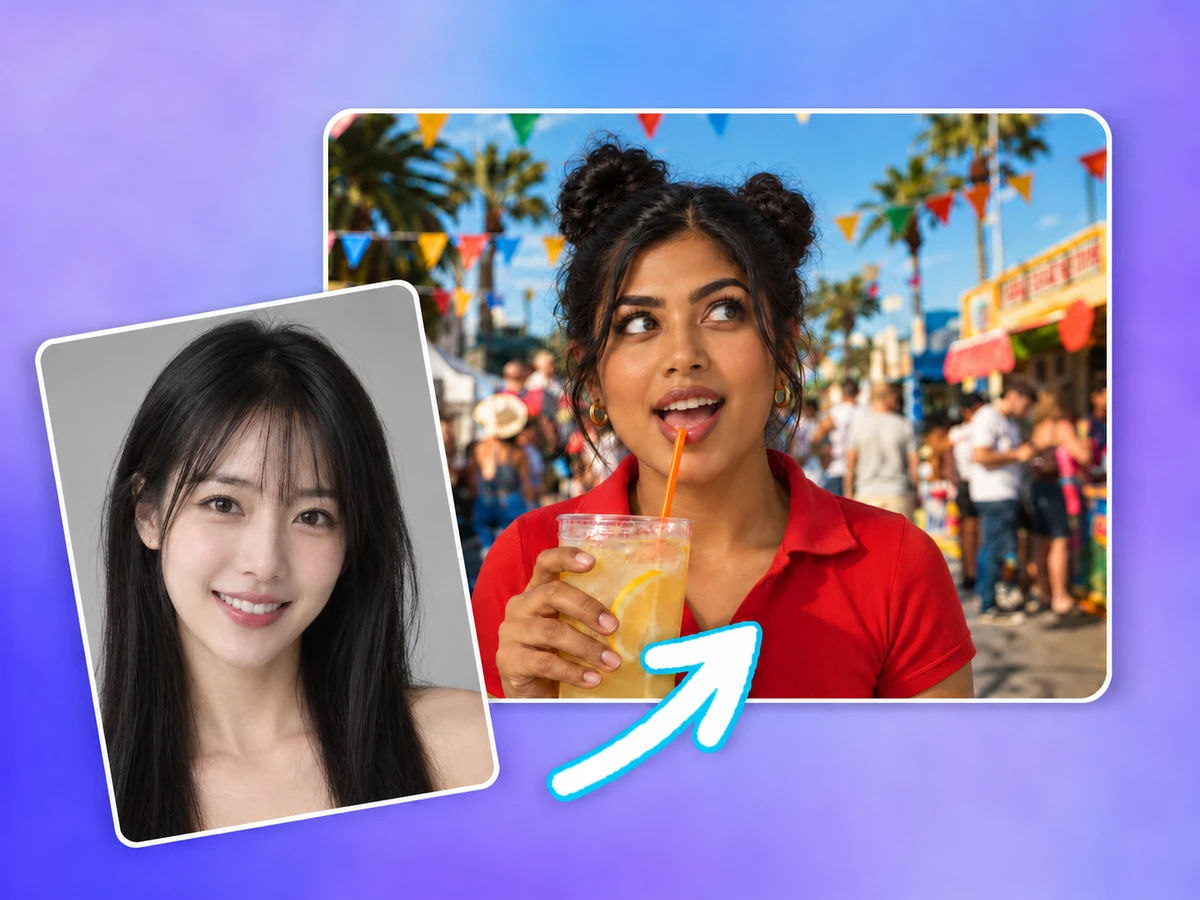
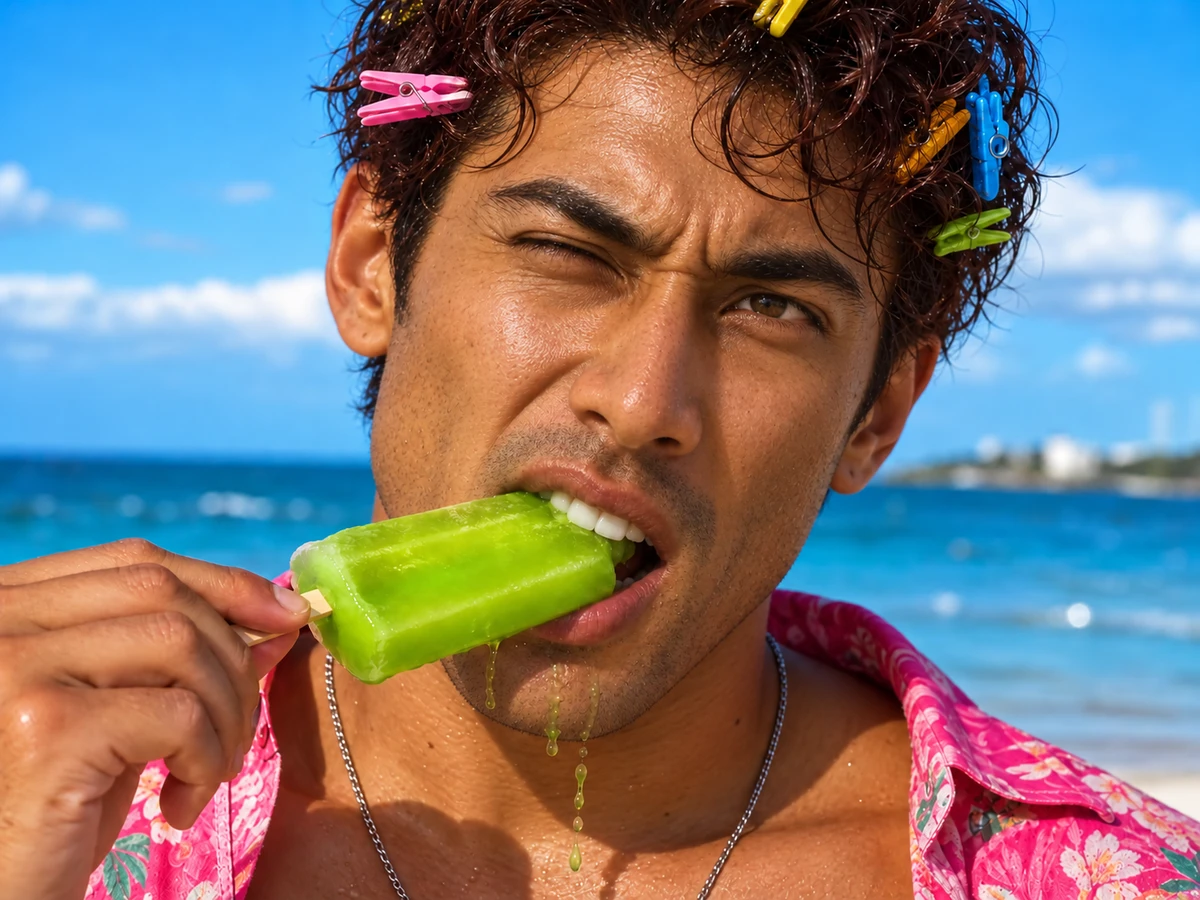
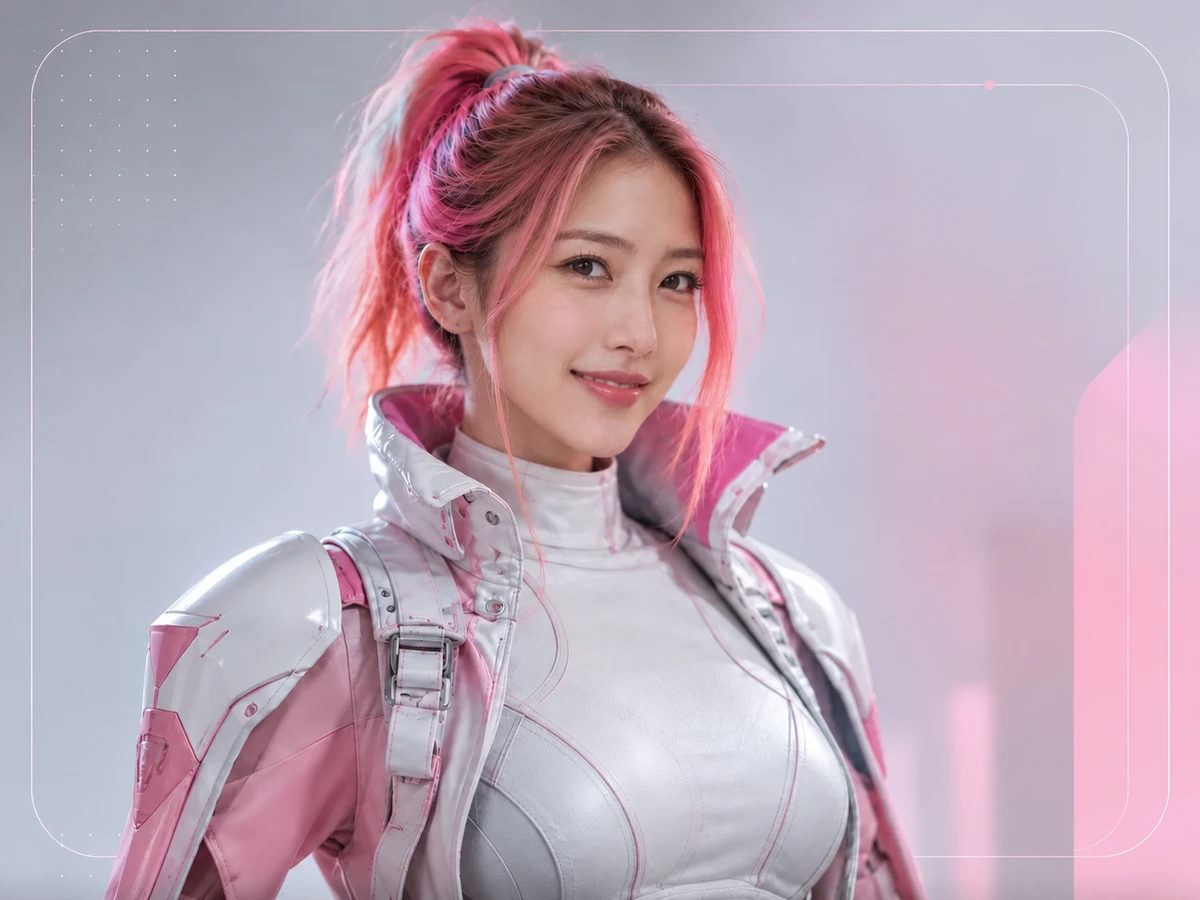
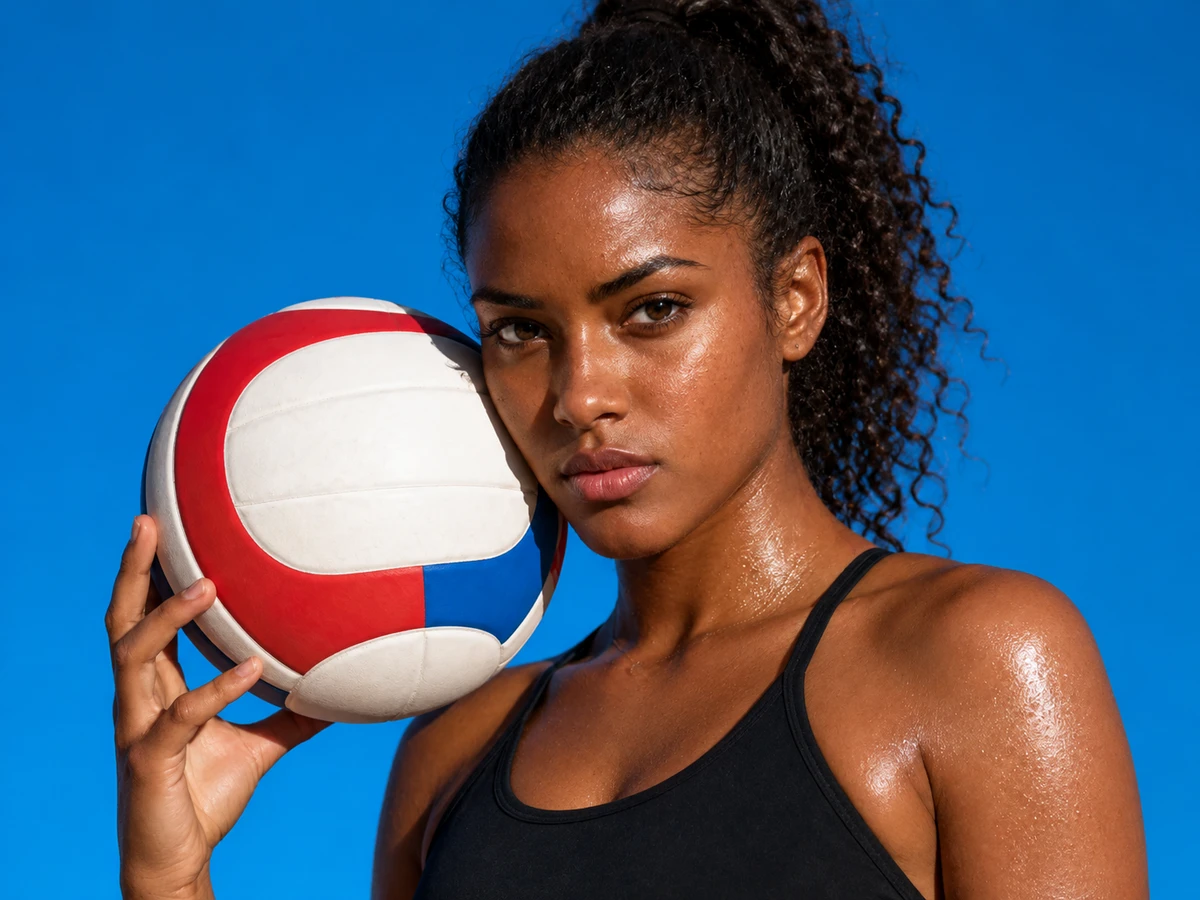
AI-created athletic portrait used as a reference image
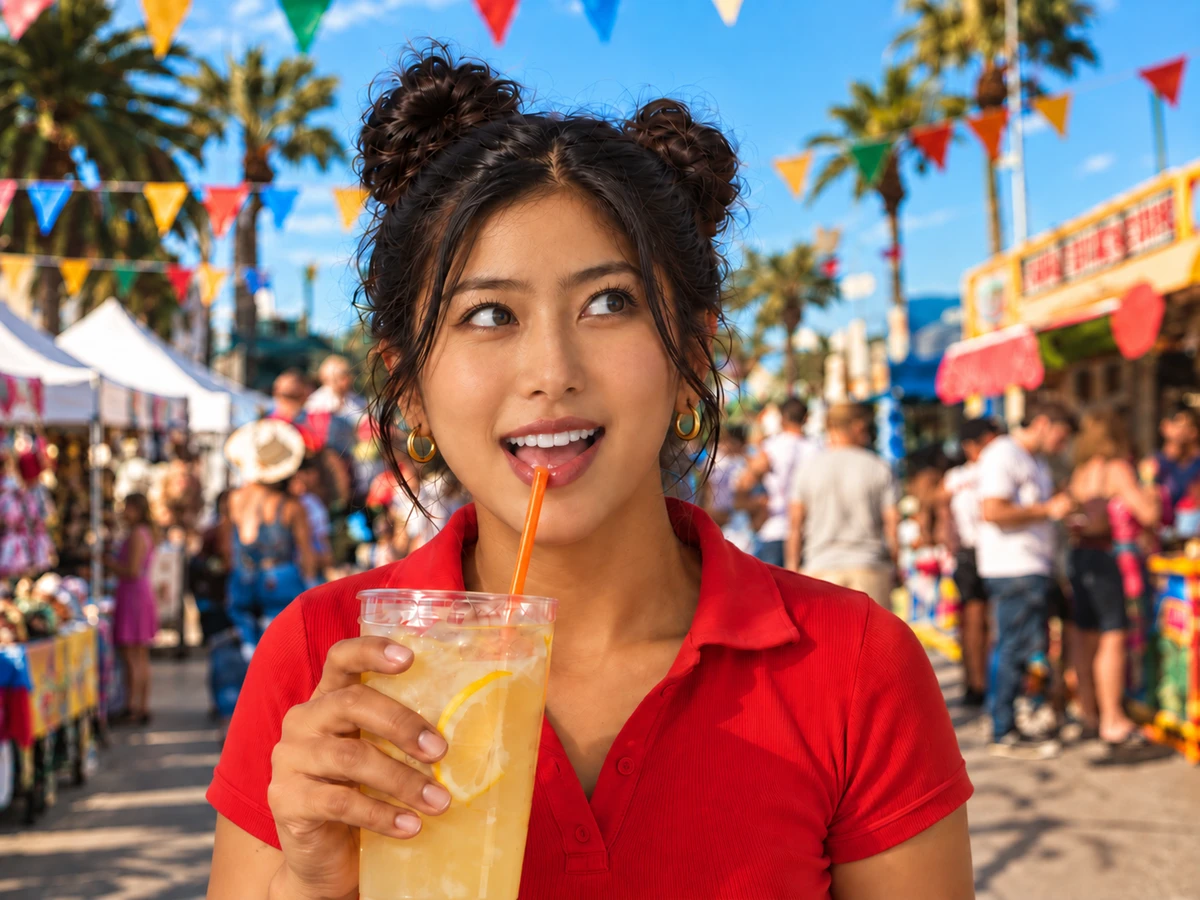
BeforeAfter
AI-created illustration
  • One reference image
  • Four creative starting points
  • Preview and download

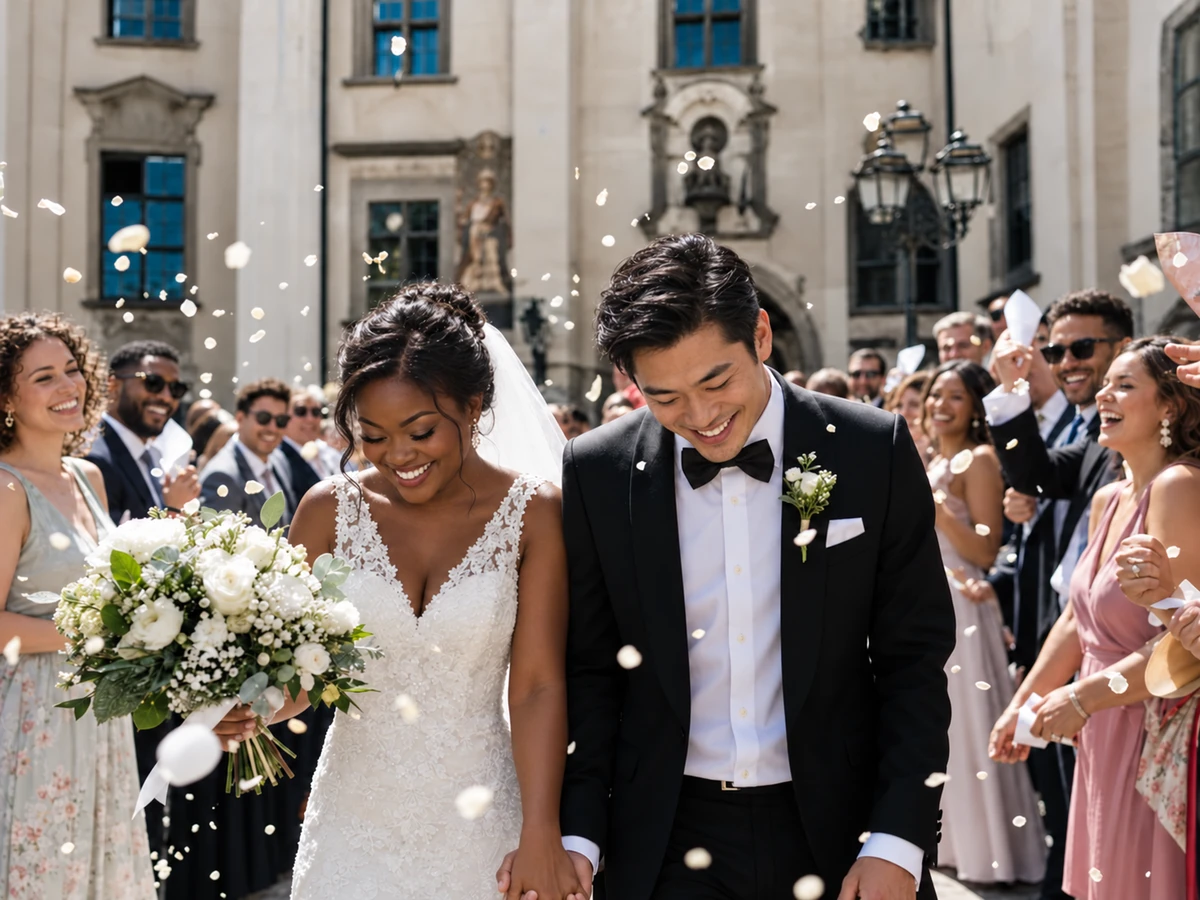
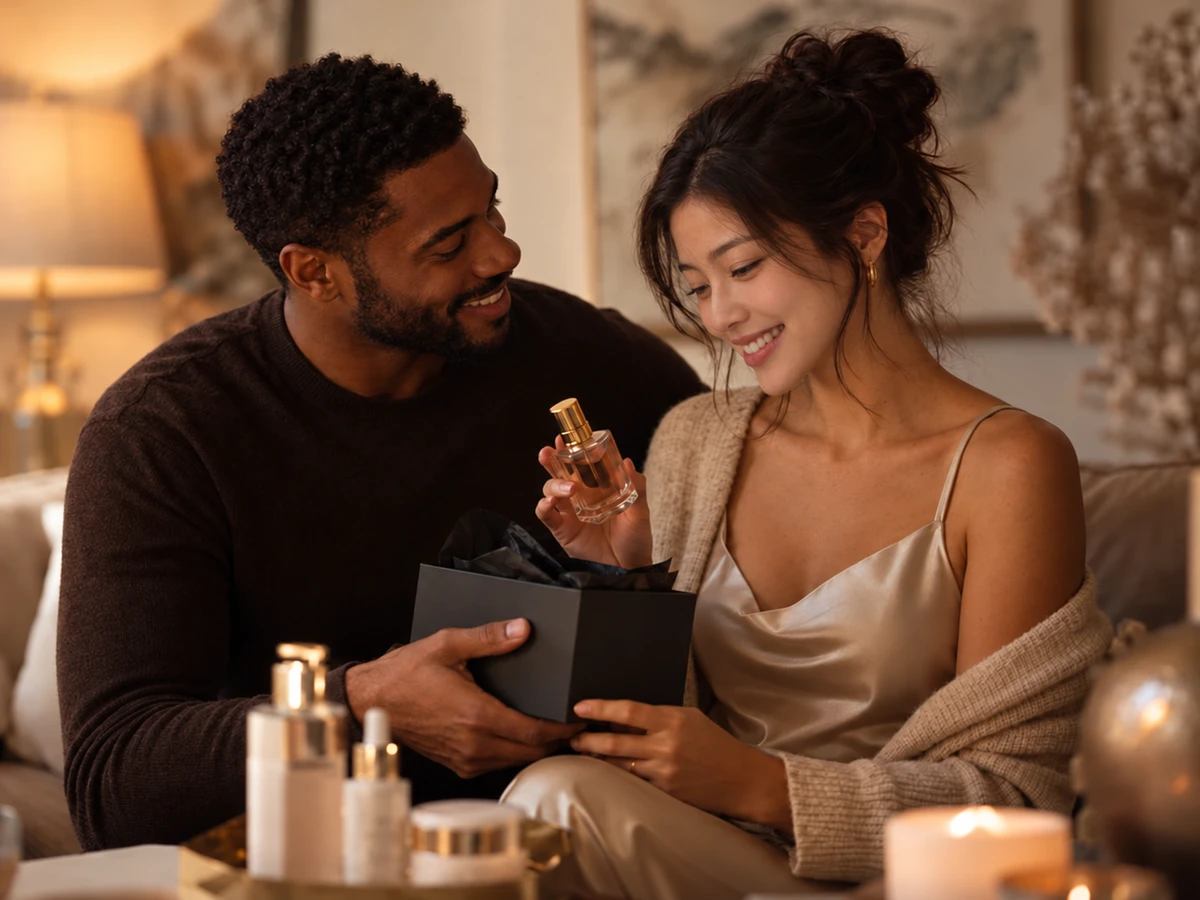
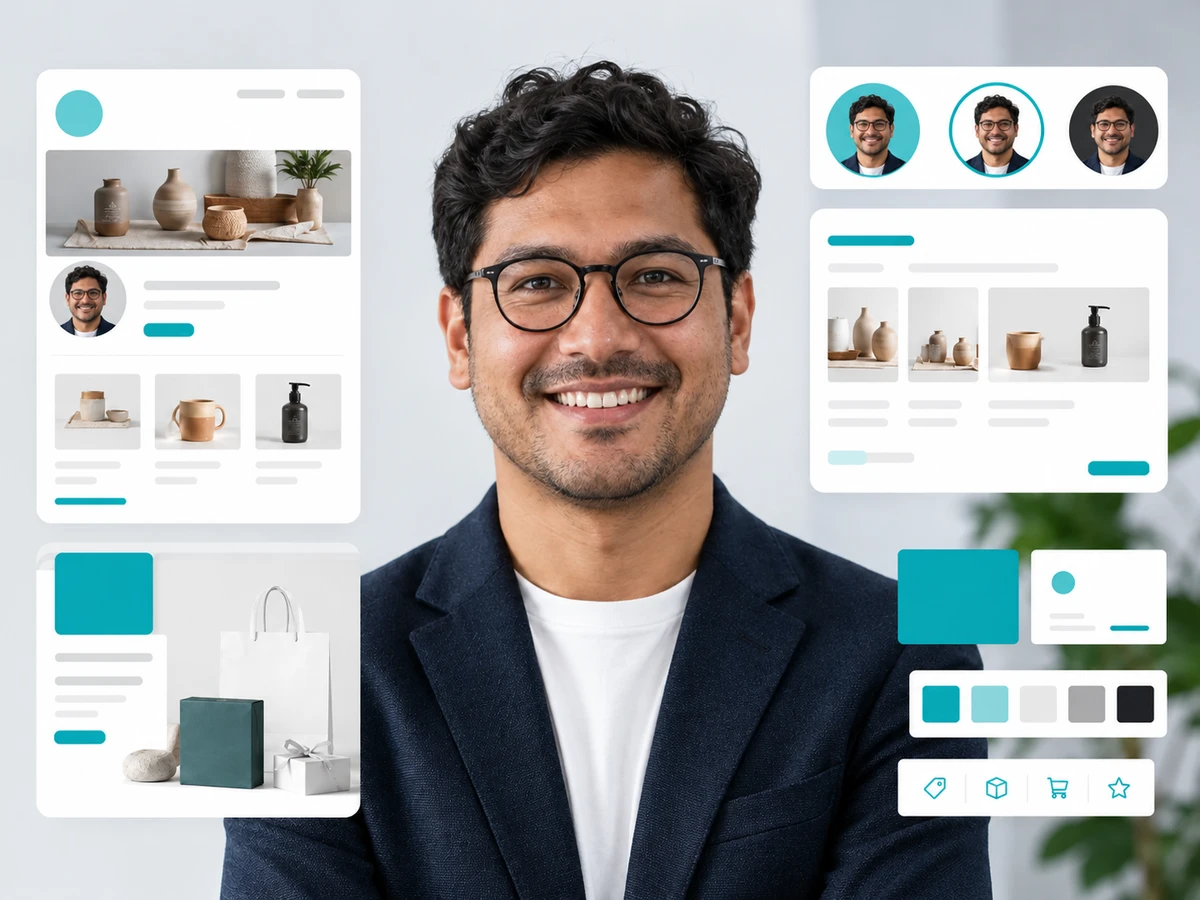
The examples on this page are AI-created illustrations made separately, not screenshots or results generated with this tool.

From Reference to Result in Three Moves

  1. Upload your reference photoUpload
    STEP 1

    Upload your reference photo

    Start with one image you want to transform: a product scene, profile portrait, character photo or social concept. Choose a photo you own or have permission to use, with a clear, unobstructed face so the model has a useful reference.

  2. Click Swap to generateSelect
    STEP 2

    Click Swap to generate

    Choose Face swap, Character, Fashion or Social, then refine the prompt to describe your desired look. Ask to keep the pose, outfit, background and lighting, check the credit estimate, and click Swap face to generate your image.

  3. Download and share
    STEP 3

    Download and share

    Preview the result and check the face, expression and scene. Click Download result below the image to save it for sharing, or choose Try another photo to start again with a new reference while keeping your prompt for the next attempt.

AI-created illustration

Where One Reference Image Can Take You

Ten Ad Variations Before Lunch

CAMPAIGN CONCEPTS

Ten Ad Variations Before Lunch

Feed one familiar portrait into your next concept round — different moods, same face, direction chosen before the brief leaves your desk.

Start a face swap
See the Casting Decision Tonight

BEFORE THE SHOOT

See the Casting Decision Tonight

Describe the model direction, wardrobe and frame you’re weighing. The preview answers the question a mood board only hints at.

Start a face swap
The First Draft That Paints Itself
BeforeAfter

REFERENCE AND PROMPT

The First Draft That Paints Itself

Skip the blank canvas: a reference image plus one written direction becomes a draft you refine — not a retouching marathon you survive.

Start a face swap
Keep the Light You Fell For

ORIGINAL SCENE

Keep the Light You Fell For

Ask for the original lighting, background and framing to stay put. Watch the new face settle into the scene like it was always there.

Start a face swap
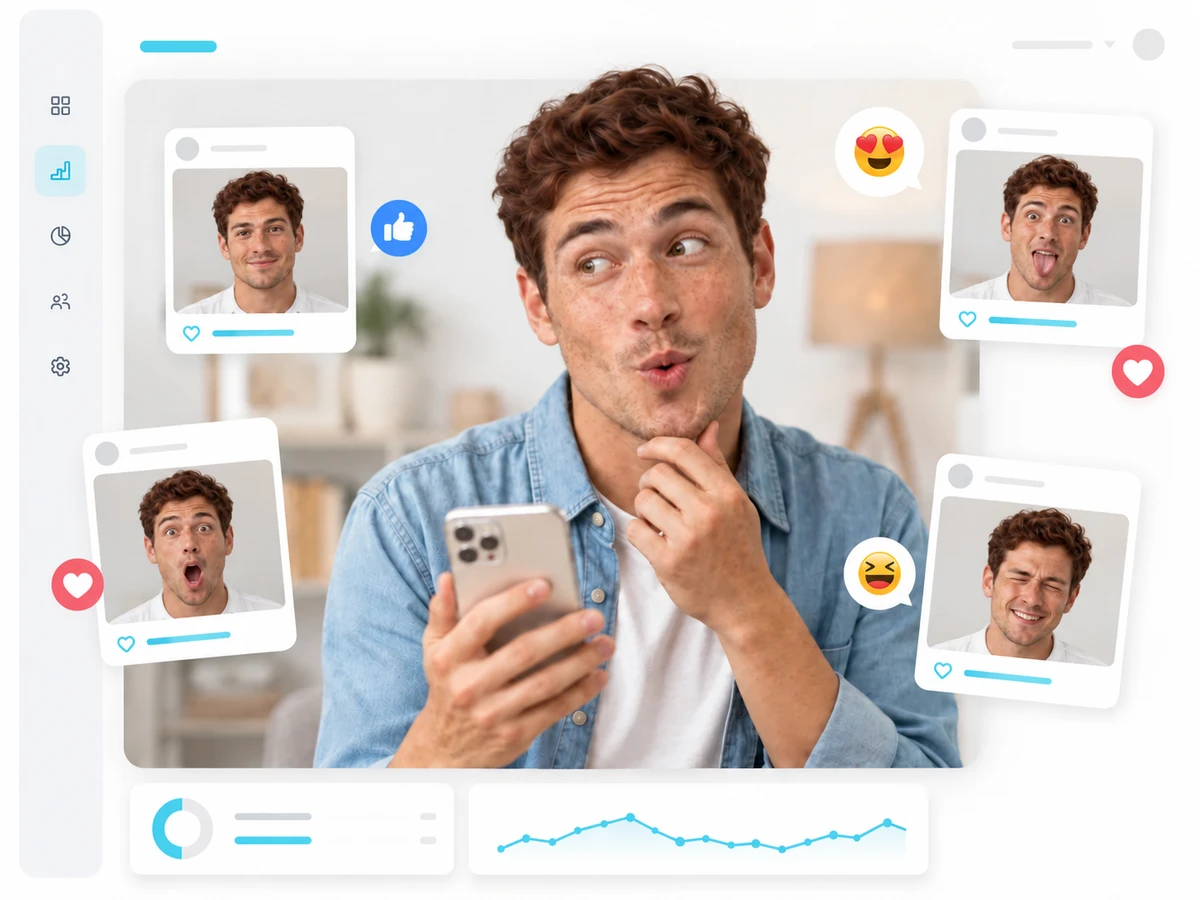
Profile, Meme, Campaign — One Face, Three MoodsUpload

EVERYDAY PORTRAITS

Profile, Meme, Campaign — One Face, Three Moods

A city afternoon for the profile, a playful scene for the feed, a polished frame for the deck — the same reference, three stories.

Start a face swap
Zoom In Before You Commit
BeforeAfter

DETAIL COMPARISON

Zoom In Before You Commit

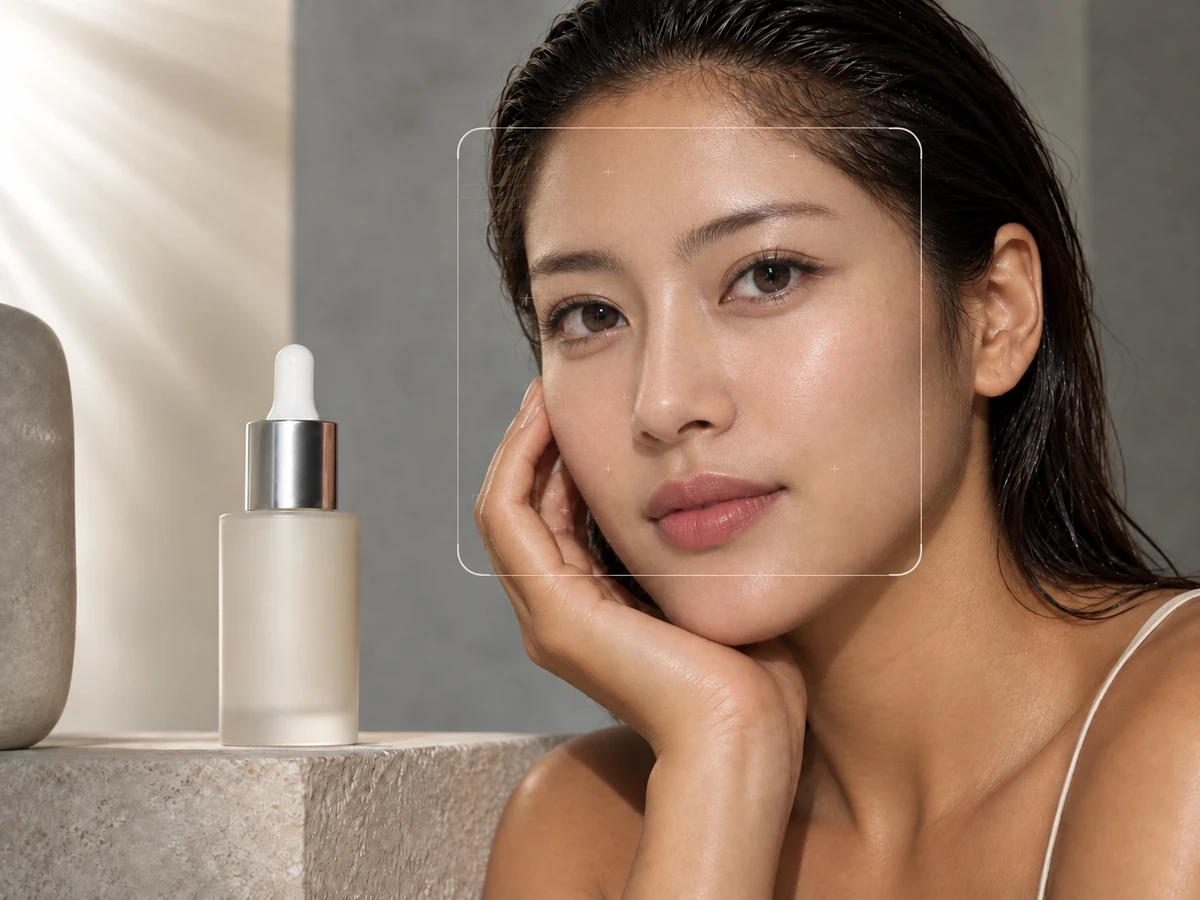
Drag the comparison slider and study the edges — expression, skin texture, the seam where old meets new. Decide with your eyes, not hope.

Start a face swap

Five Directions Creators Are Already Exploring

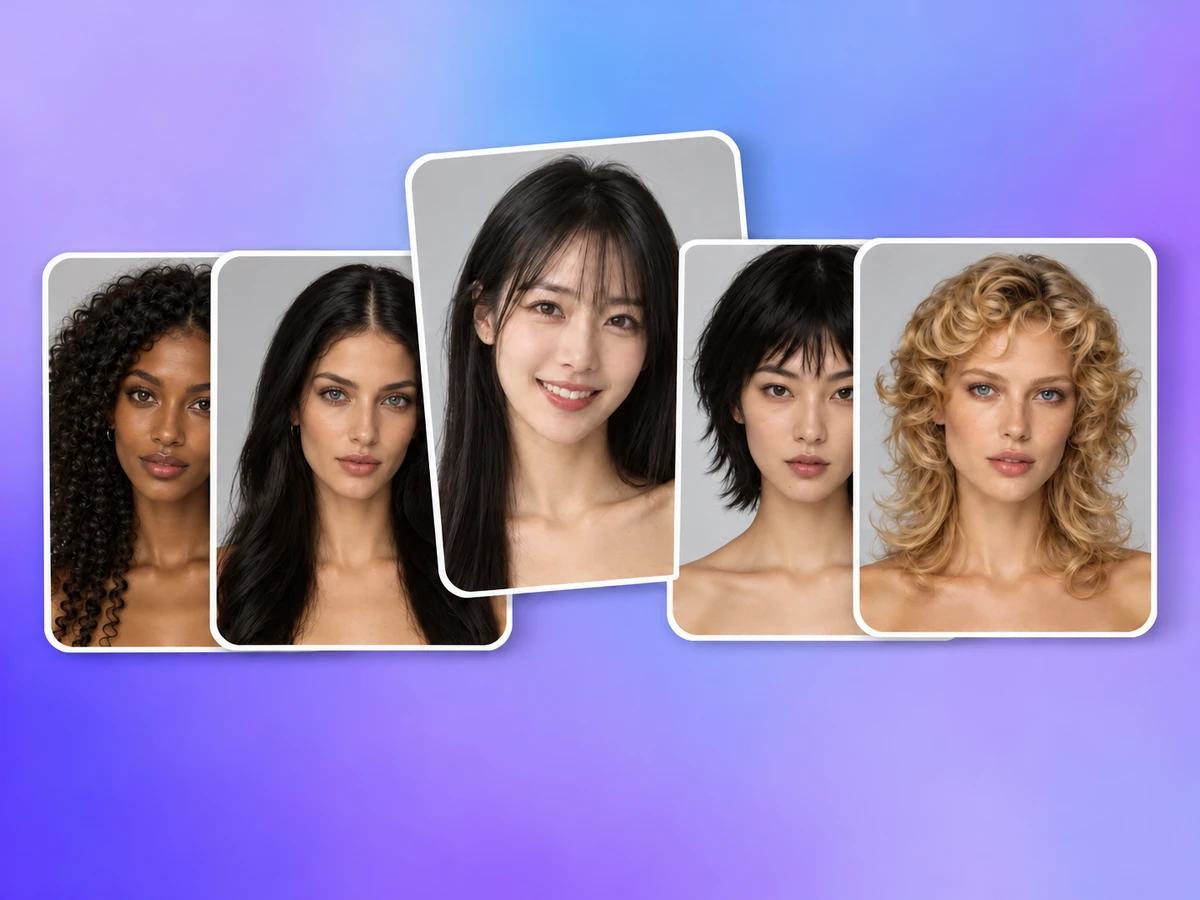
Original AI-created illustrations — made separately from this tool — show where a reference image and one good sentence can go.

Cosplay and Character Casting
01

Cosplay and Character Casting

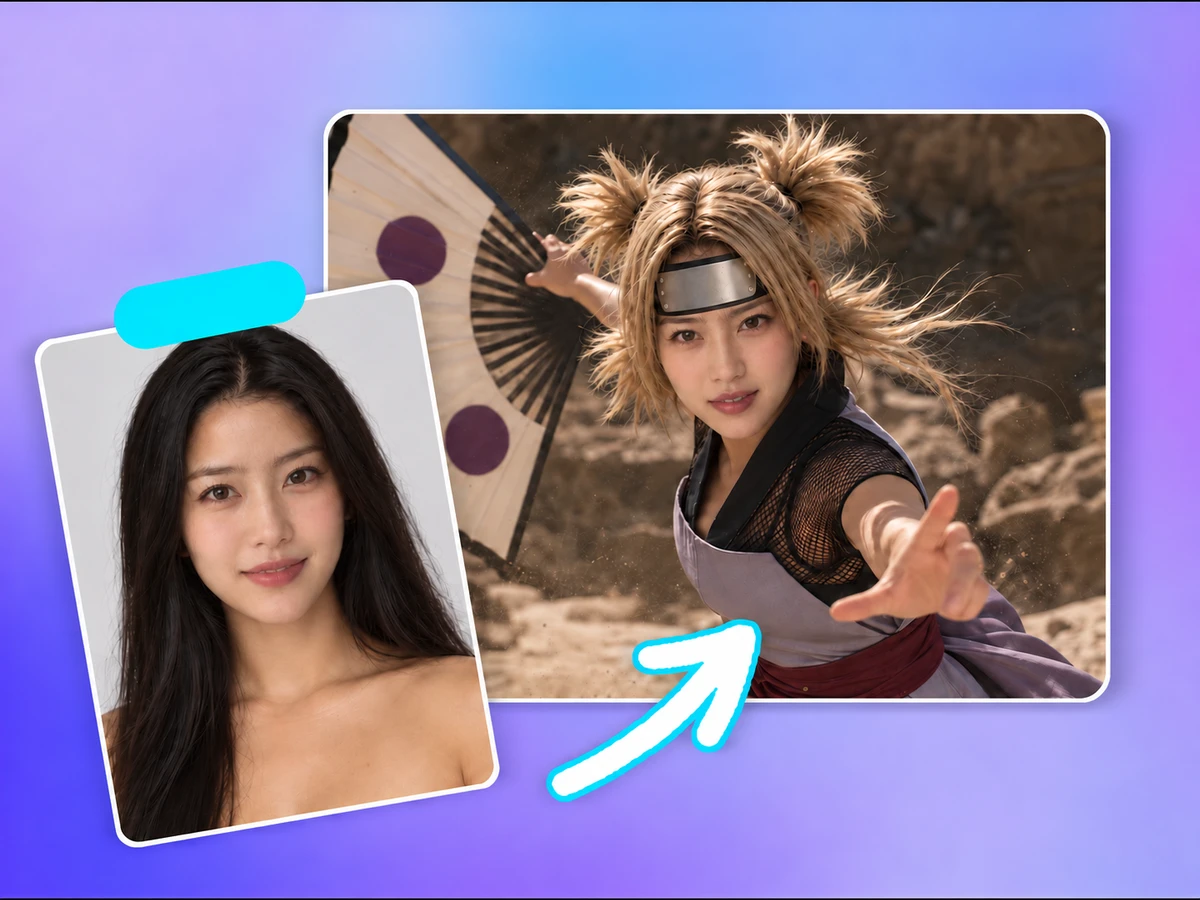
Put a familiar face in a costume concept and see if the character clicks.

Start a face swap
A Couple Portrait, Reimagined
02

A Couple Portrait, Reimagined

Imagine the two of you in a shared frame — starting from photos you’re both happy to use.

Start a face swap
Profile Photos with a Point of View
03

Profile Photos with a Point of View

A profile picture that stops the thumb without a photoshoot.

Start a face swap
Meme Fuel, Responsibly Made
04

Meme Fuel, Responsibly Made

A playful scene for the group chat, made from your own photos and nobody else’s.

Start a face swap
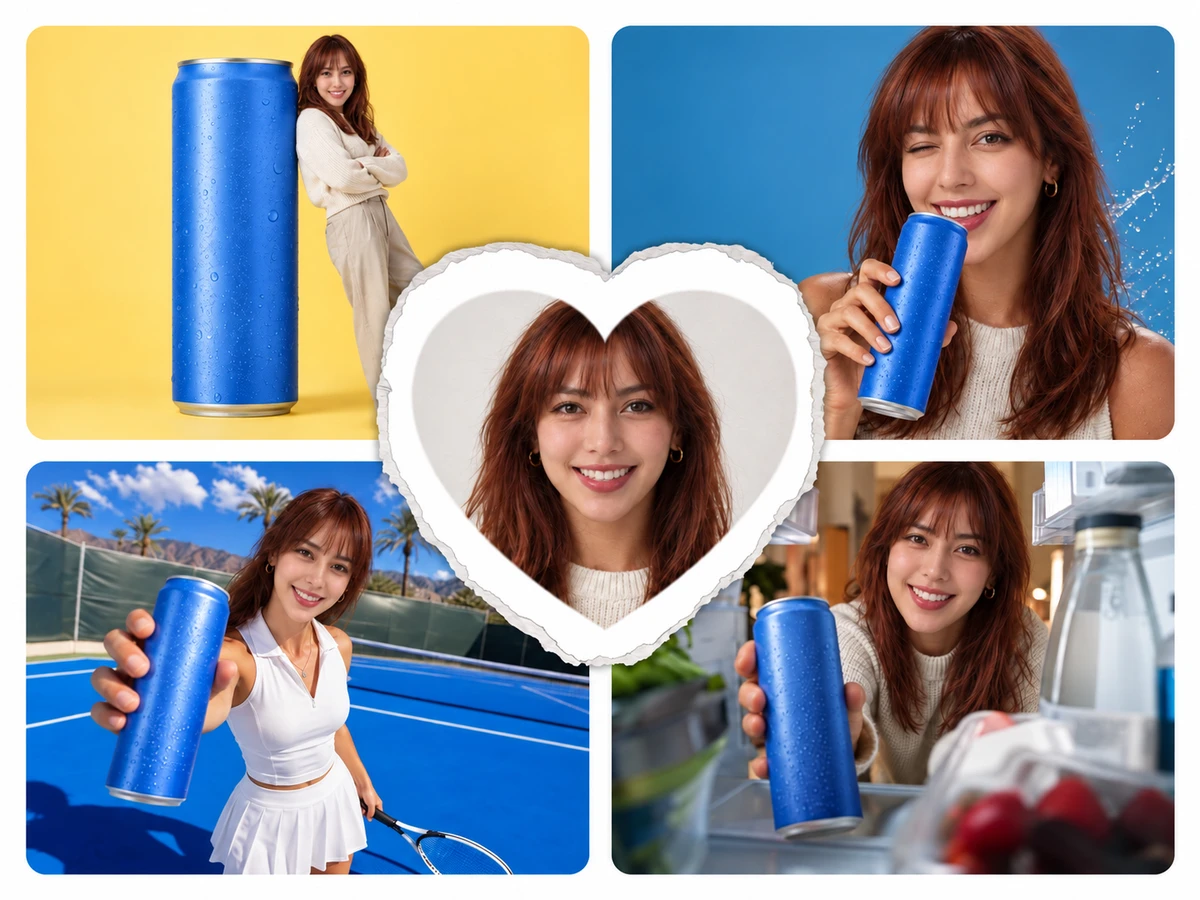
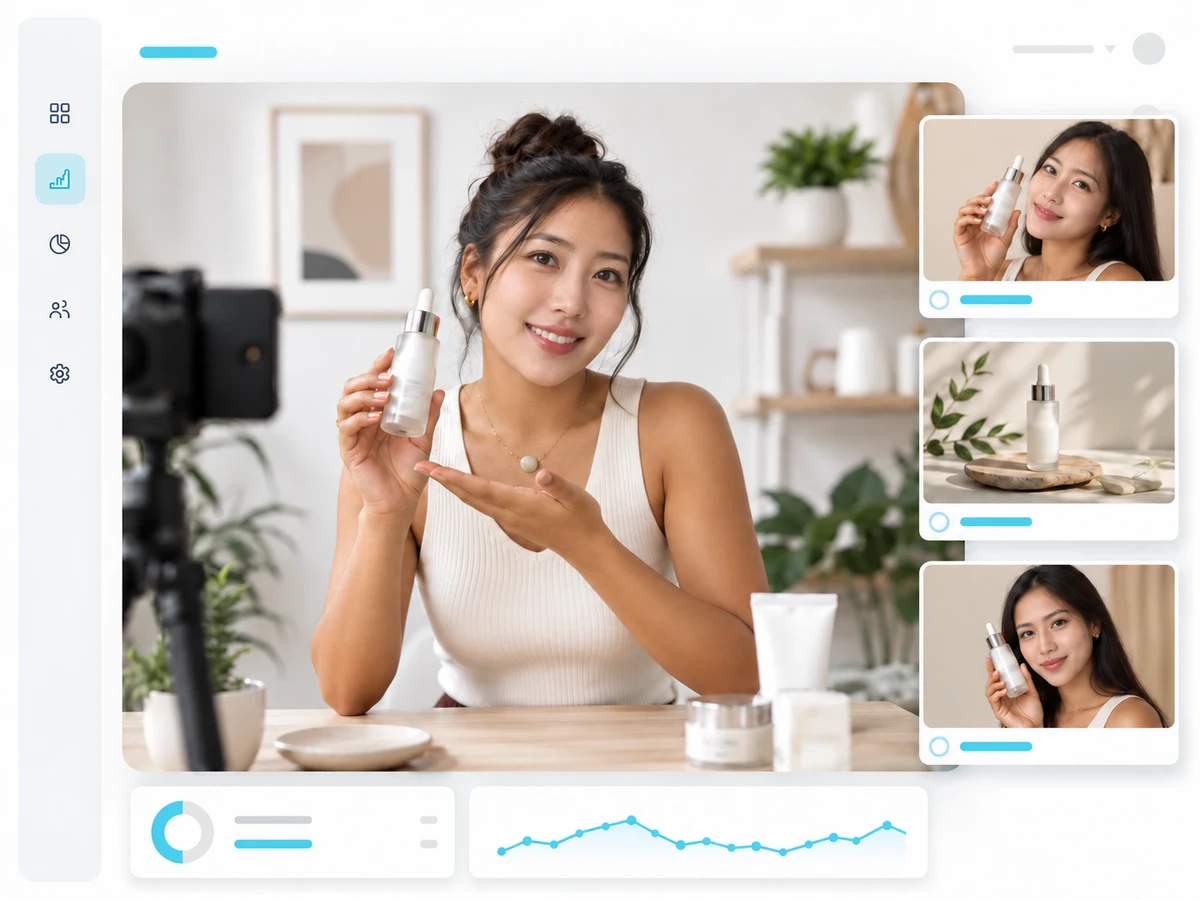
Product Lifestyle Mockups
05

Product Lifestyle Mockups

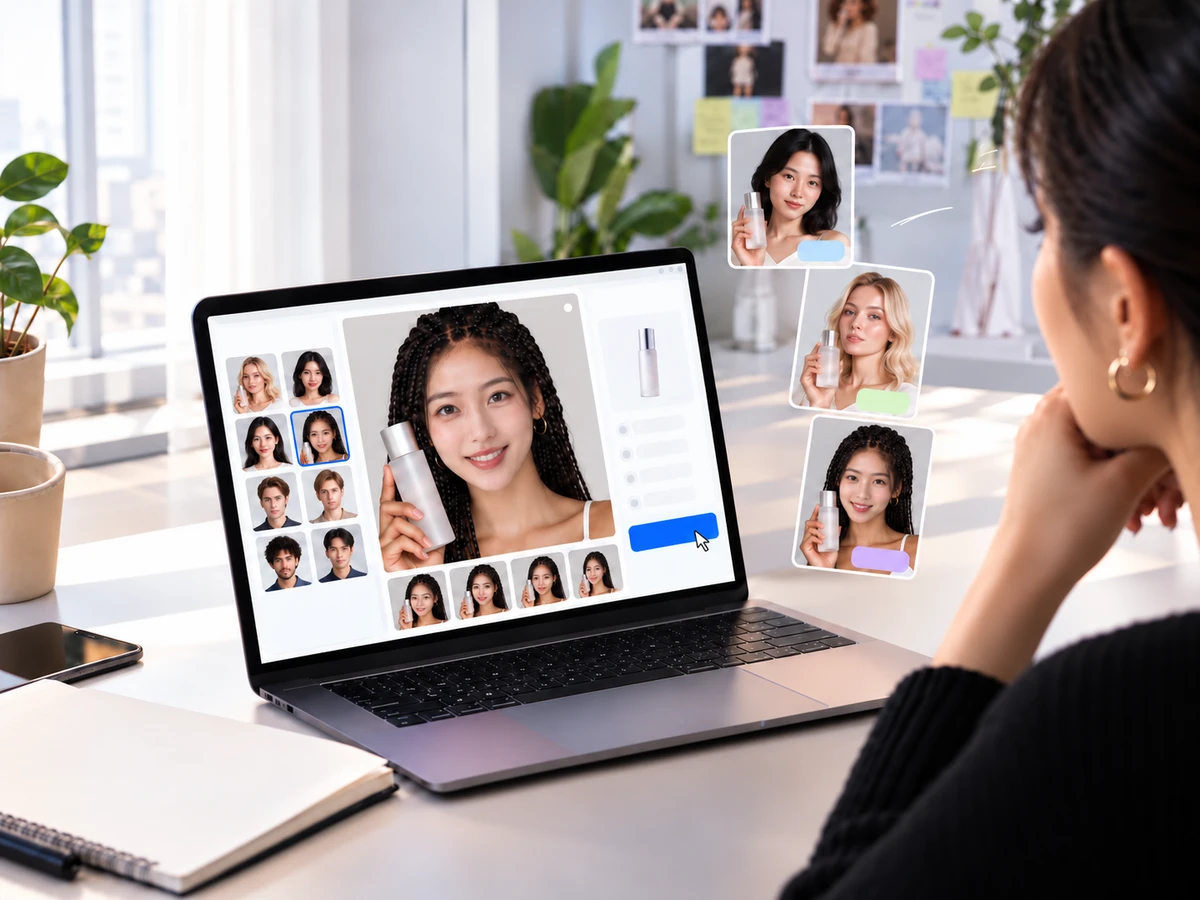
Preview how a familiar face carries a lifestyle product shot before the real shoot.

Start a face swap

AI-created illustration

FAQs About AI Image Gen's AI Face Swap Generator

What is AI Face Swap?

This tool uses AI image editing with one reference image and a written prompt. Describe the face or creative direction you want to explore. There are no separate uploads for a source face and a target photo.

How many credits does a swap use?

The cost depends on the model and settings. Check the current credit estimate in the form before generating.

Can I try a character or cosplay look?

Choose Character or describe the costume and setting in your prompt. The result depends on the reference and how clearly you describe the look.

Can I use the result in a project or campaign?

Use references you own or have permission to edit, including consent from the people pictured. Check the rights needed for your intended use; this tool does not grant them.

How can I improve the result?

Use a clear photo with one unobstructed face and describe the desired angle and look. Review the result and refine your prompt or reference if details look off.

Can I explore product photo concepts?

Upload an authorized product scene or creative reference and describe your direction. Inspect product shapes, labels and other details in the result before using it.

What happens when I upload a reference?

Your image goes through the site's upload flow and is used as a generation reference. Only upload images you have permission to use, and avoid private or unauthorized photos.

Will the result look natural?

Results vary with the reference and prompt. Check the face, edges, expression and lighting, and refine your prompt or reference if something looks distorted.

Written by AI Image GenLast updated: 2026-10-18

Explore more AI tools and creative examples

Edit Image Text

An image text editor that recognizes the wording in your photo: upload a file, change the text, and generate an updated image.

AI Image Upscaler

Upload an image and upscale its resolution, clarity and detail with AI, aiming to preserve the original framing and subject for display and sharing.

AI Object Remover

Upload a photo and mark unwanted people, objects, text or clutter with a rectangle or brush. AI fills the selected area using the surrounding background.

After
OriginalAfter

AI Watermark Remover

Remove watermarks to clean up an image.

After
OriginalAfter

AI Outfit Changer

Explore a new outfit style for an image.

Your Next Campaign Idea Is One Photo Away

Bring an authorized reference image, say where you want it to go, and watch a new direction appear.

Start a face swap
AI Image GenAI Image Gen

Turn an idea into images, video, or music

Create

  • Image Generator
  • Image to Image Generator
  • Video Generator
  • Image to Video Generator
  • Reference to Video
  • Restyle Video
  • Music Generator

Video models

  • Seedance 2.5
  • Seedance 2.0
  • Kling v3
  • Veo 3.1 Fast
  • Wan 3.0
  • MiniMax H3
  • Grok Video 1.5
  • HappyHorse 1.1

Image models

  • Nano Banana Pro
  • Nano Banana 2
  • Nano Banana
  • GPT Image 2
  • Seedream 5.0
  • Seedream 4.5
  • Qwen Image 3.0
  • Wan 2.7

AI Tools

  • AI Object Remover
  • AI Watermark Remover
  • AI Face Swap
  • AI Clothes Remover
  • Edit Image Text
  • AI Inpainting
  • AI Comic
  • AI Outfit Changer
  • AI Image Expander
  • AI Pose Changer
  • Christmas Photos
  • Halloween Photo Editor
  • AI Image Upscaler
  • AI Effects
  • AI Kiss Generator
  • Christmas Videos

Company

  • About AI Image Gen
  • Contact us
  • Privacy Policy
  • Terms of Service
© 2026 AI Image Gen · Built with care
Reference image0/1
Add an authorized portrait, product scene, character image or creative reference

Only use adult-looking fictional, self-owned, or authorized face references. Do not upload private or unauthorized photos.

211/2000
AI-created athletic portrait used as a reference image
BeforeAfter
AI-created illustration