AI Image Gen
ImageVideoSeedanceMusicMy Creations
Pricing
Subscribe Now
ImageVideoSeedanceMusicMy CreationsPricing

Image Tools

AI Object RemoverAI Watermark RemoverAI Face SwapAI Clothes RemoverGoEdit Image TextAI InpaintingAI ComicAI Outfit ChangerAI Image ExpanderAI Pose ChangerChristmas PhotosHalloween Photo EditorAI Image Upscaler

Video Tools

AI EffectsAI Kiss GeneratorChristmas Videos
Loading...

AI Pose Changer — Restrike Any Photo (18+)

Your photo — or theirs, with permission. Same face, new pose — and somehow the whole temperature of the room changes. Shoulders settling into stillness. The looseness right before someone leans back. A stride caught in low light. Lamplight through a gap in the curtains, the hush after midnight, a look that finds you across the room — and your pulse quietly agreeing. 55 poses, 4 camera angles, 3 framings. Tonight, let that photo hold a shape you've never seen it hold.

  • No more prompting into the void — your photo does the talking, the pose does the rest
  • 55 poses, 4 cameras, 3 framings. Can't decide? Start with the one that already has your attention — the pose that lets lamplight do the slow work
  • Credit estimate before you generate — every attempt costs exactly what you see, and anticipation does the rest

Before you start

Built-in poses
55
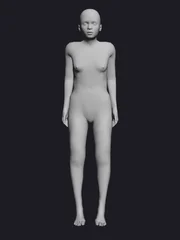
Standing, sitting, movement and floor poses across 4 categories.
The photo to prepare
1
One adult photo you shot yourself or have permission to edit. You set the pose, camera and framing inside the editor.
Upload formats
3
JPG · PNG · WebP

How to Use This AI Pose Changer — 3 Steps

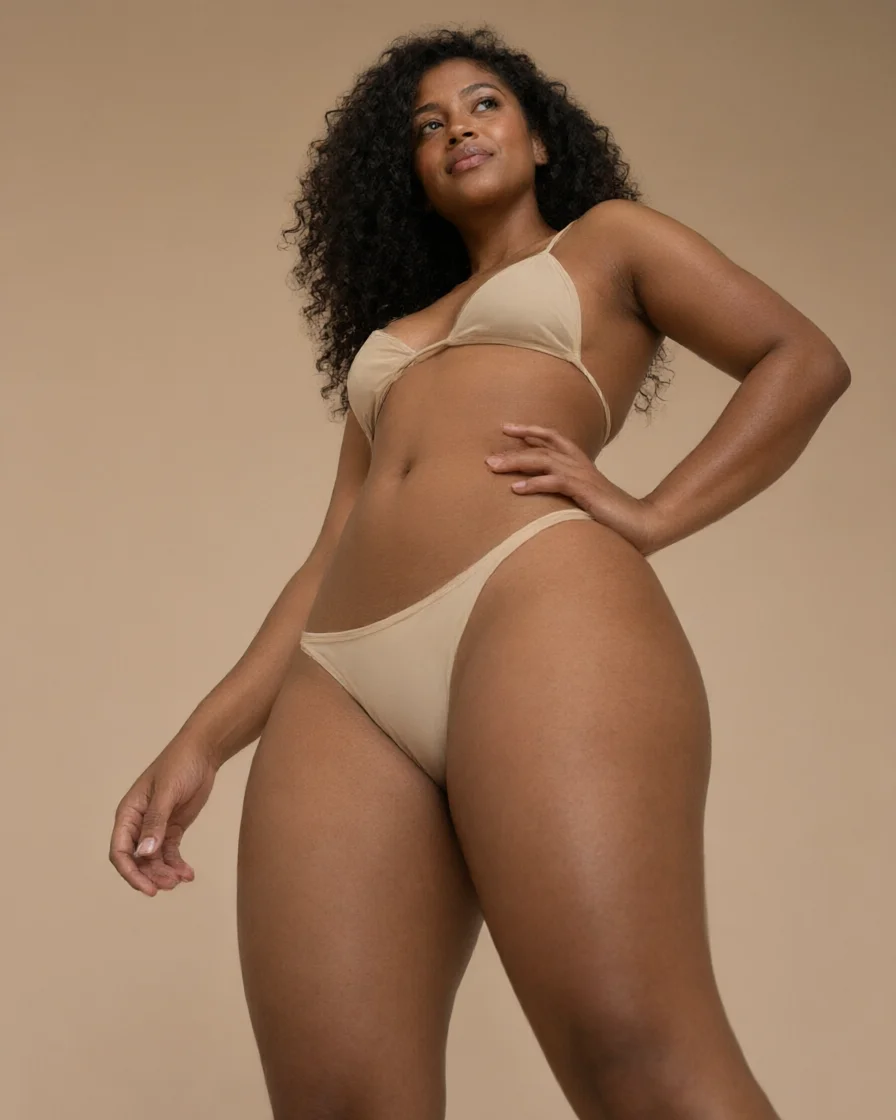
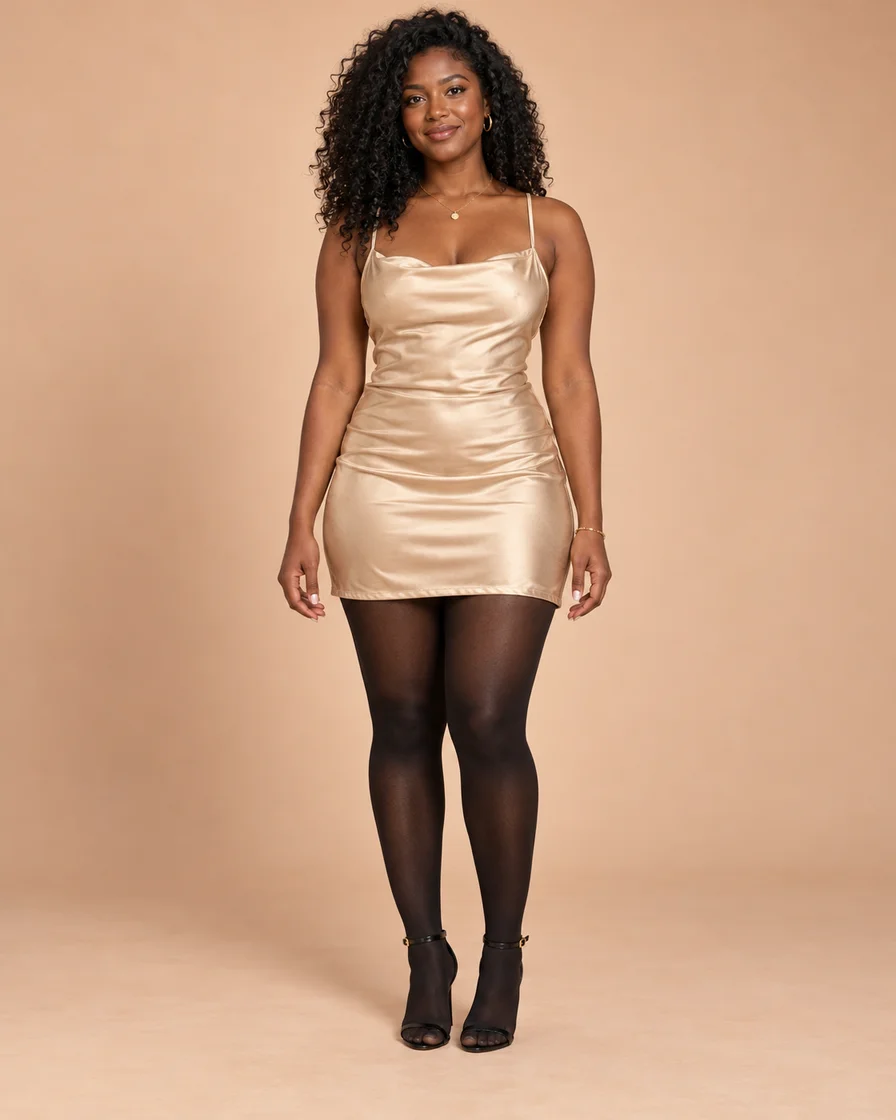
  1. Adult Black woman with natural curls in an opaque champagne satin mini dress and black tights, photographed full length in a warm studio
    Adult Black woman with natural curls in an opaque champagne satin mini dress and black tights, photographed full length in a warm studio
    Add a photo
    Step 1

    Upload one photo

    JPG, PNG, or WebP — full body in frame, soft, even light. This photo sets the person and the mood. Use one you took yourself, or one you're allowed to edit.

  2. standing pose reference
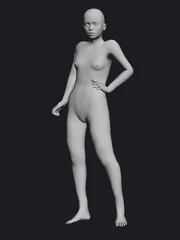
    Neutral standing mannequin with one hand on its hip
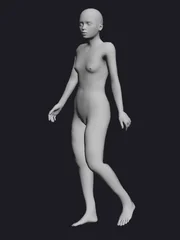
    walking-profile pose reference
    standing pose reference
    Neutral standing mannequin with one hand on its hip
    walking-profile pose reference
    Choose a pose
    Step 2

    Pick pose, camera and framing

    Choose one of 55 presets, then set the camera angle and the framing (full body / mid-thigh / waist-up). The prompt field is optional — it refines details.

  3. OriginalResult
    Illustration preview
    Step 3

    Create and compare

    Check the credit estimate, then generate. Before and after, side by side — face, hands, the line of the body, the background — at full size before you save. When the light lands, your pulse will know before you do.

AI-generated illustration

Choose a pose

Controls that combine on one screen

Every creation combines a pose preset, a camera angle and a framing. The framing also sets the output size. The workspace also includes a clothing-state control, but pose is always the star of this page.

Choose a pose
55
Floor · Movement · Standing · Sitting
Clothing
3
Clothed · Swimwear · Nude
Camera angle
4
Eye level · Low angle · Extreme low · Overhead
Framing
3
1024×1368 · 1024×1280 · 1024×1024

One selfie, three moods after dark

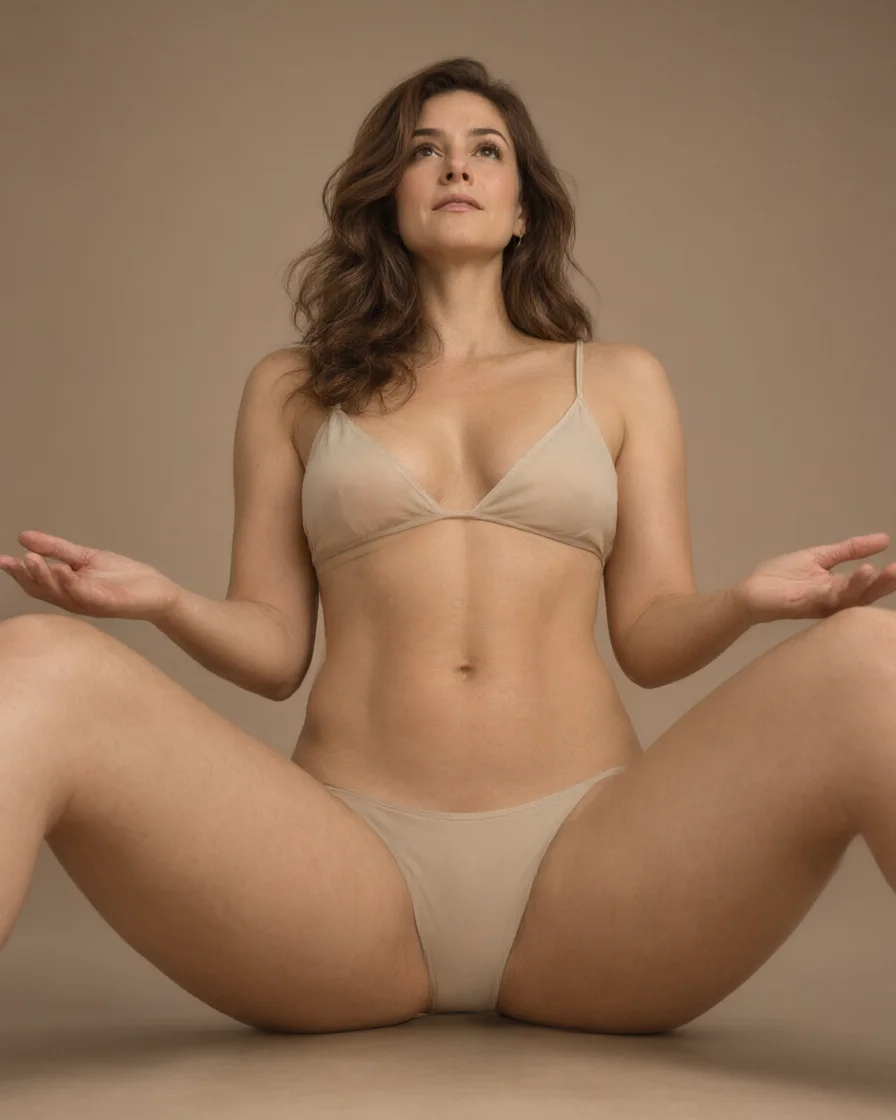
Three renders out of one poolside selfie: the same fictional adult woman — shoulders at rest, fingertips loose on the armrest, one stride catching the low light. Same person, three different temperatures. Drag the slider and see for yourself.

OriginalResult
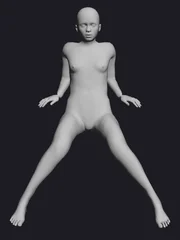
Neutral reclining mannequin in the Laying Back Legs Spread pose

Pose reference

Illustration preview

Full-body fashion portraits

Keep the whole person in frame when choosing a full-body pose. A clear view of the arms, legs and outfit gives you a useful starting photo.

OriginalResult
Neutral standing mannequin with one hand on its hip

Pose reference

Illustration preview

A pose you can see before creating

Browse the visual pose cards instead of describing every joint. Choose a reference, then review its preview before using your credits.

OriginalResult
standing pose reference

Pose reference

Illustration preview

A small note for the details

Use the optional Prompt field for an expression, outfit detail or setting. Keep your note focused so the photo and selected pose remain the main references.

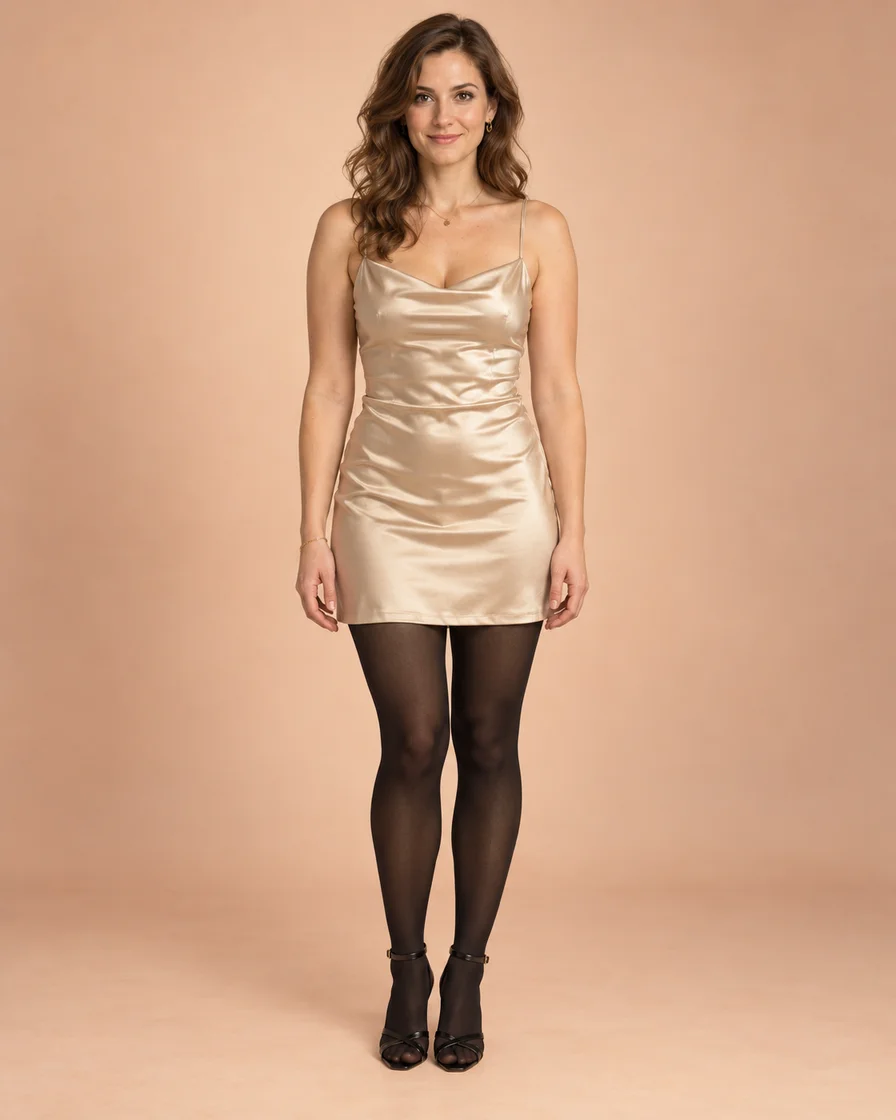
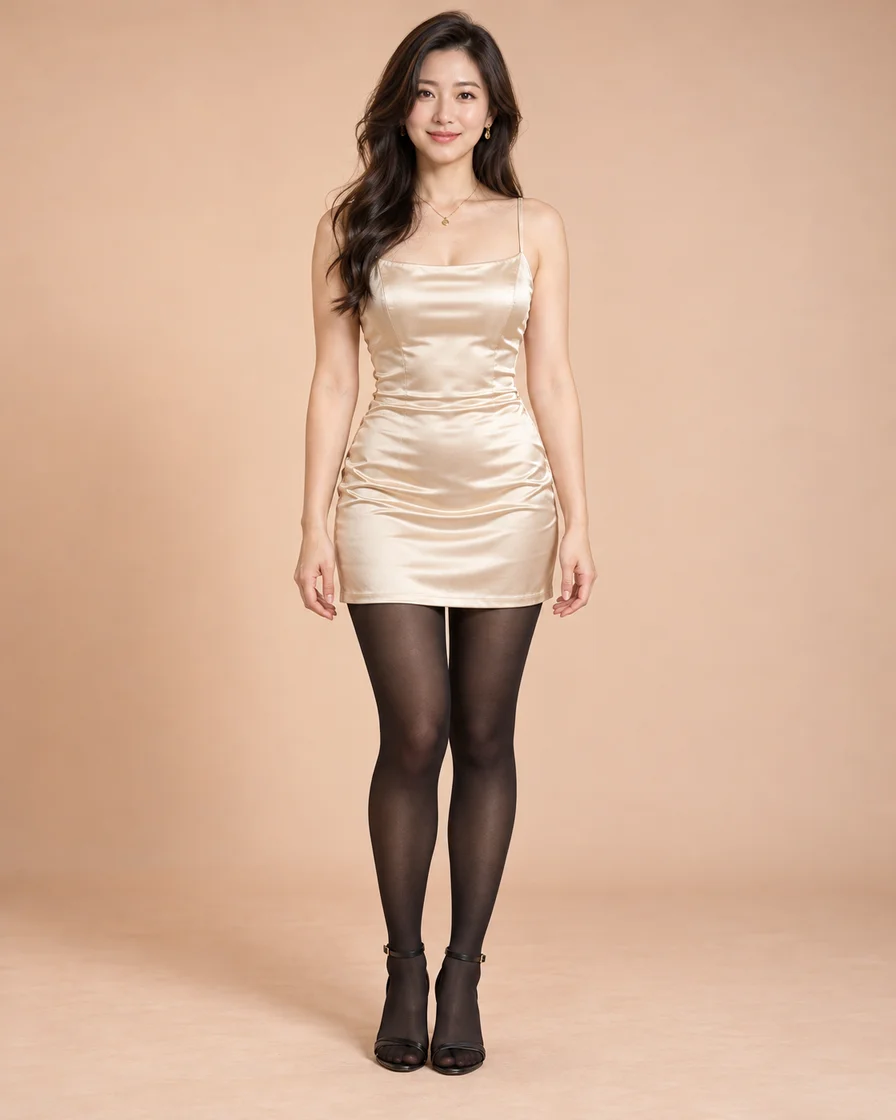
All three sets are original AI illustrations featuring three different fictional adult women. Within each set, the source photo and the result are the same person. They exist to explain the flow — they are not outputs of a real generation task and guarantee no outcome.

Choose a pose

How this AI pose changer works, what it costs, what it won't do

How it works

What this page does: change the pose in a photo

This is an AI pose changer that re-renders a photo you already have. Instead of drawing from a blank prompt, your photo decides the person, the light and the background, while the pose preset, camera angle and framing decide the new composition. A clothing-state control also lives in the workspace, but pose is always the star of this page.

Photo requirements: check before you upload

Use a full-body photo with even light and no heavy shadows across the body or legs. Front or 45-degree angles read best — you can see both the person's outline and the background. Upload the original JPG, PNG or WebP file, not a screenshot or a messaging-app copy. Poses with overlapping hands and feet, or objects in front of the body, make the new composition harder to read.

55 poses across standing, sitting, movement and floor

The presets split into four categories: 16 standing, 3 sitting, 5 movement and 31 floor poses. Standing and sitting keep the body upright and read most reliably; movement adds energy but wants a wider framing; floor poses drop the body low and change the background more. There is exactly one upload slot and no way to import an external pose image — every pose comes from this page's presets.

Camera and framing decide the composition

Beyond the pose there are two more controls: camera angle (eye-level, low-angle, extreme-low, overhead) and framing (full body, mid-thigh, waist-up). Framing also sets the output size: 1024×1368 for full body, 1024×1280 for mid-thigh, 1024×1024 for waist-up. Eye-level is the most neutral, low-angle lengthens the body, extreme-low is the most dramatic, and overhead flattens the scene.

What's free: uploads are free, creating costs credits

Uploading a photo and browsing presets costs nothing and starts no task. Creating needs an account and spends credits, with the estimate shown before you submit. There is no "completely free" or "unlimited" tier on this page. A retry after a failed attempt is billed as a new creation.

Face and background stay yours

This is an image-to-image editor: the person, light and background come from your file. Text alone can't start a task. Perfect replication isn't guaranteed — hands, accessories and body edges can shift slightly. The inspection order never changes: face, hands, body edges, background.

The prompt is a side note — change one thing per attempt

Pose, camera and framing carry the main instruction, so the prompt only refines: hand placement, an angle you want, a small gesture. One sentence, one idea. Change a single variable per attempt — pose card first, then camera, then prompt. Every attempt spends credits, so one variable at a time is the cheapest path to the result you want.

Choose a pose

Rules

Who it's for, who it isn't, where the line sits

It's for people who want to see their own photo in another pose: building a board of composition ideas, previewing a shot before a shoot, or arriving from a search like "ai pose" or "change pose in photo". It doesn't cover poses outside the presets or imported pose references. Only adult photos you shot or have the right to edit — never photos of anyone who hasn't agreed. Commercial and public use calls are yours to make and own.

Choose a pose

Common questions about this AI pose changer

What can this AI pose changer do?

It changes the pose in a photo you already have. Upload one adult photo, pick a pose from 55 presets and generate — the same person is re-rendered in a new pose, with the face, light and background of your photo. You can also pick the camera angle and framing: full body renders at 1024×1368, mid-thigh at 1024×1280, waist-up at 1024×1024.

Which photos can I use?

Adult photos only — ones you shot yourself or clearly have the right to edit. Photos of people who haven't agreed are not allowed. A full-body, evenly lit JPG, PNG or WebP gives the most stable result.

How do I pick a pose?

From 55 presets: 16 standing, 3 sitting, 5 movement, 31 floor. There's no upload slot for external pose images — people searching "change pose in photo" land on this preset-based flow. The prompt field only refines details; the preset always decides the pose itself.

Can I change the output size?

Framing decides it: 1024×1368 for full body, 1024×1280 for mid-thigh, 1024×1024 for waist-up. The camera angle changes the viewpoint, not the canvas. The credit estimate follows the framing you pick.

What does it cost?

Uploading photos and browsing presets is free and starts no task. Creating requires an account and credits, with the estimate shown before you send. There is no "completely free" or "unlimited" option.

Can I use the results commercially?

It depends on the rights to your photo, the consent of the people in it, and the site's terms. Confirm the rights you need before commercial use; how you use what you create is your own responsibility. Read the latest terms as well.

Choose a pose

What your photo does vs. the pose reference

Your photo supplies the look; the pose reference image marks the goal. Knowing the two roles makes picking photos and judging results much easier.

Why your photo comes first

“you can also pass an initial image as a starting point”

Hugging Face's image-to-image guide describes the initial image as a starting point. For full-body poses, a photo with the whole body in frame makes the new composition far easier to compare.

Hugging Face Diffusers — Image-to-image

A pose reference makes the goal visible

The 2023 ControlNet paper studied human pose as a way to guide image generation visually. A reference for understanding pose conditioning. When editing, compare the finished image against the chosen reference — check face, hands and background before saving.

Zhang, Rao & Agrawala — Adding Conditional Control to Text-to-Image Diffusion Models (2023)

Page details reviewed: November 1, 2026

Looking for another photo edit?

AI Face Swap

Use the dedicated face swap tool when changing the face is your main task.

OriginalResult

AI Outfit Changer

Use the dedicated outfit changer when the clothing is what you want to change.

OriginalResult

AI Image Expander

When your composition needs more room, extend the space around the photo.

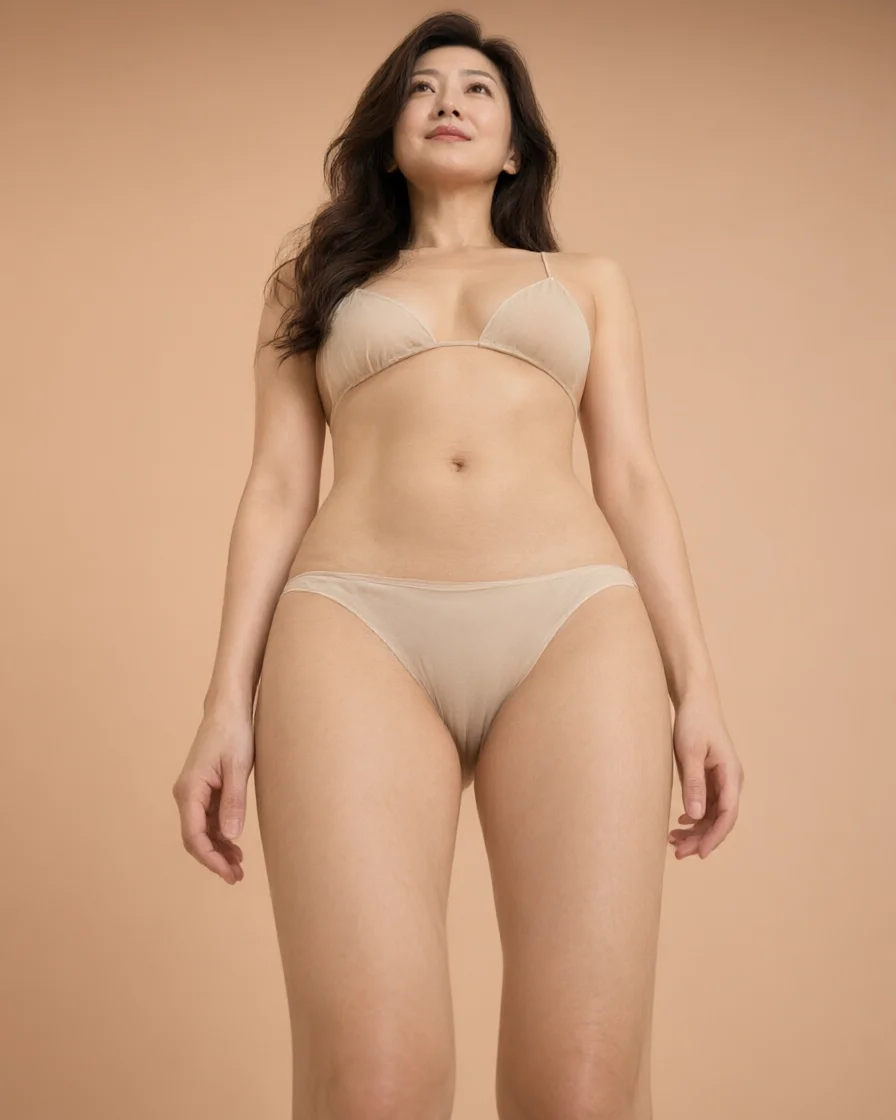
Adult European woman with wavy dark brown hair in an opaque champagne satin mini dress and black tights, standing in a peach-toned fashion studioFull-body fashion portraitsAdult Black woman with natural curls in an opaque champagne satin mini dress and black tights, photographed full length in a warm studioA pose you can see before creatingAdult East Asian woman with wavy black hair in an opaque champagne satin mini dress and black tights, standing in soft studio lightA small note for the details

Tonight, give that photo a shape it has never held

Your photo — or theirs, with permission. Choose the pose; the rest is one button. Somewhere past the lamplight, that person is already holding a shape you've never seen — all that's left is to look.

Pick a pose
AI Image GenAI Image Gen

Turn an idea into images, video, or music

Create

  • Image Generator
  • Image to Image Generator
  • Video Generator
  • Image to Video Generator
  • Reference to Video
  • Restyle Video
  • Music Generator

Video models

  • Seedance 2.5
  • Seedance 2.0
  • Kling v3
  • Veo 3.1 Fast
  • Wan 3.0
  • MiniMax H3
  • Grok Video 1.5
  • HappyHorse 1.1

Image models

  • Nano Banana Pro
  • Nano Banana 2
  • Nano Banana
  • GPT Image 2
  • Seedream 5.0
  • Seedream 4.5
  • Qwen Image 3.0
  • Wan 2.7

AI Tools

  • AI Object Remover
  • AI Watermark Remover
  • AI Face Swap
  • AI Clothes Remover
  • Edit Image Text
  • AI Inpainting
  • AI Comic
  • AI Outfit Changer
  • AI Image Expander
  • AI Pose Changer
  • Christmas Photos
  • Halloween Photo Editor
  • AI Image Upscaler
  • AI Effects
  • AI Kiss Generator
  • Christmas Videos

Company

  • About AI Image Gen
  • Contact us
  • Privacy Policy
  • Terms of Service
© 2026 AI Image Gen · Built with care

1Your photo

Add your photo

2Selected pose

PromptOptional
ModelQwen Image 3.0Image
PromptOptional
ModelQwen Image 3.0Image
View history

Photo

Adult Black woman with natural curls in an opaque champagne satin mini dress and black tights, photographed full length in a warm studio

Pose reference

Neutral standing mannequin with one hand on its hipHand on hip

Finished example

OriginalResult
Illustration preview

One photo, a brand-new pose. Drag the divider to compare.

AI-generated illustration

View history

Photo

Adult Black woman with natural curls in an opaque champagne satin mini dress and black tights, photographed full length in a warm studio

Pose reference

Neutral standing mannequin with one hand on its hipHand on hip

Finished example

OriginalResult
Illustration preview

One photo, a brand-new pose. Drag the divider to compare.

AI-generated illustration