
Free Uncensored & Unrestricted AI Image Gen: Type an Idea, Get the Image Back
Write the character, the styling and the scene in your own words, and the model draws that one. No shortlist of approved subjects, no filter on genre, and no restrictions on the adult themes these prompts describe. Free to try, and the picture comes back while you wait.
Free to try — sign up to see your results
What People Use an NSFW AI Generator For
Write a Prompt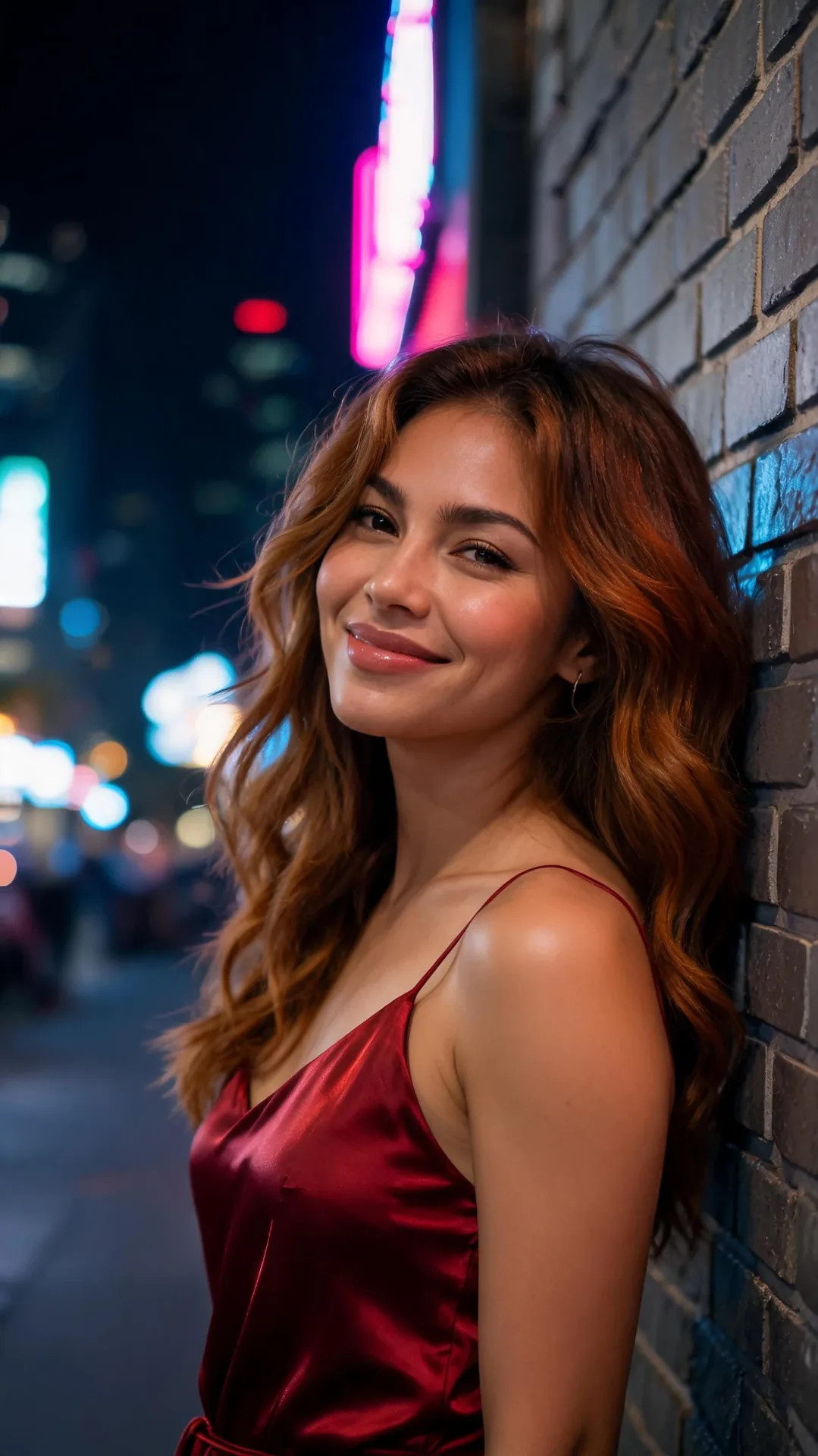
NSFW AI Image Gen Prompts, Written From Scratch
Nobody in these pictures has to exist first. One line of text is the whole input: a pin-up in a diner booth, a rooftop glamour frame at blue hour, a latex-and-neon character study. Each pass is a fresh draw, so the way to find the shot is to keep the line and rewrite one thing at a time — including how explicit or dirty the frame reads.
Write a Prompt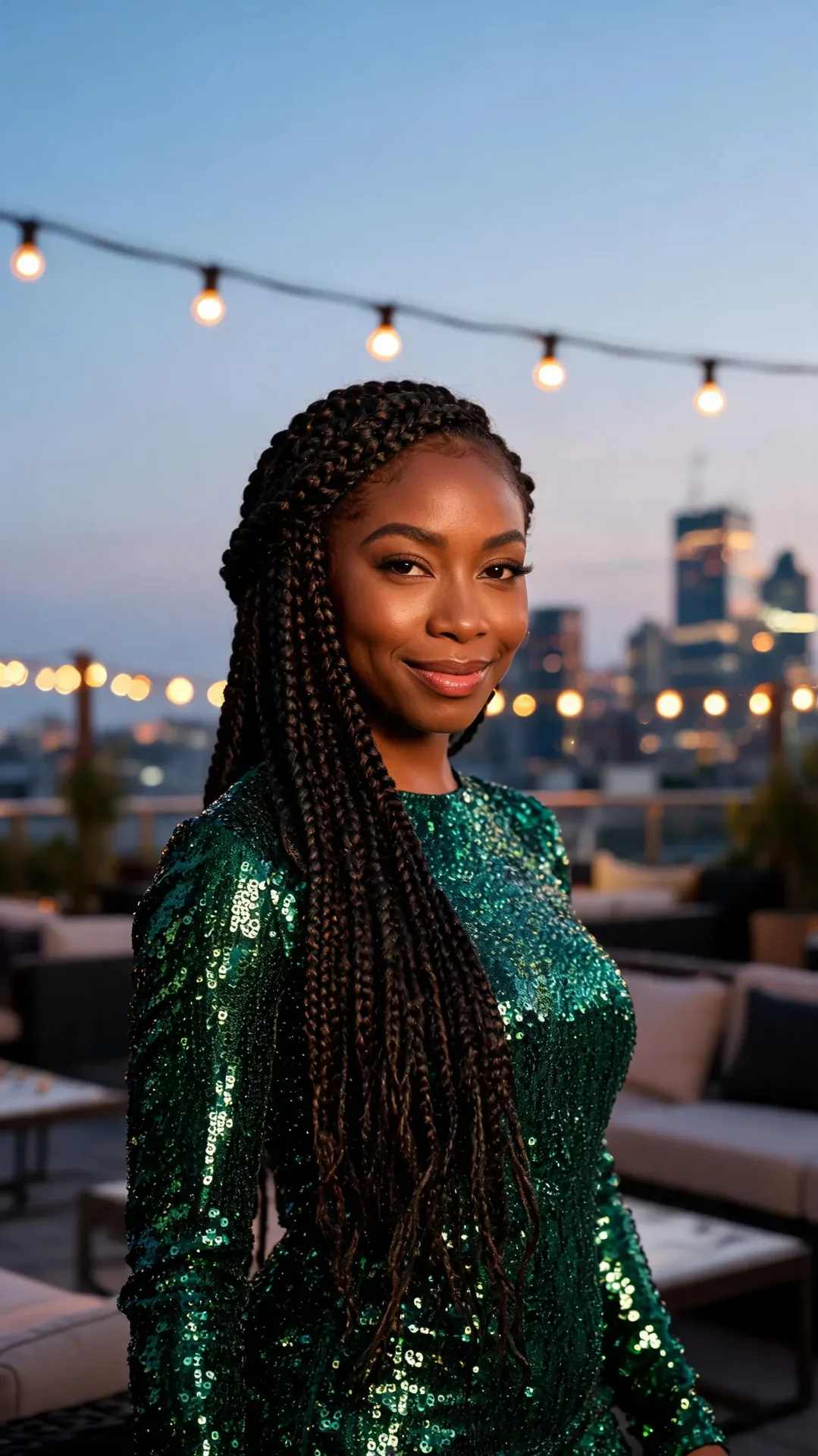
AI Image Gen, No Filter on Subject or Genre
Horror covers, occult symbolism, body-horror creature work, gritty crime scenes, high-gloss fashion — these all go through the same single box. The point is that the list of things worth drawing was never ours to write; it is whatever you happen to be making today.
Try Your Own Theme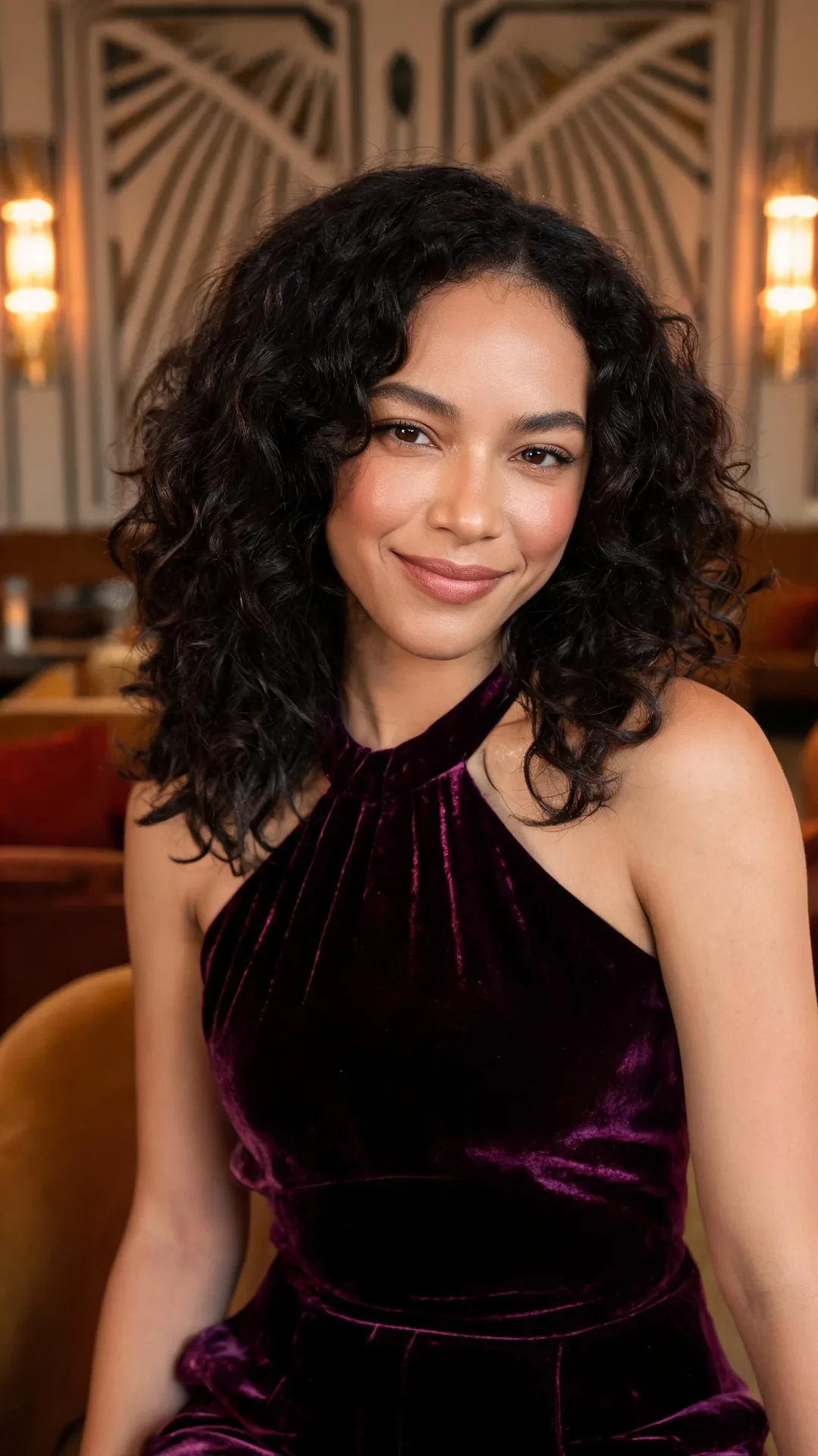
Unfiltered AI Image Gen for Boudoir Light, Pin-Up Poses and Noir Sets
Lighting, wardrobe, era and attitude are all just words in the same line. Describe a boudoir window light and a satin robe, or a 1950s pin-up on a car bonnet, or a rain-soaked noir corridor, and the render follows the description rather than a house style.
Set the Mood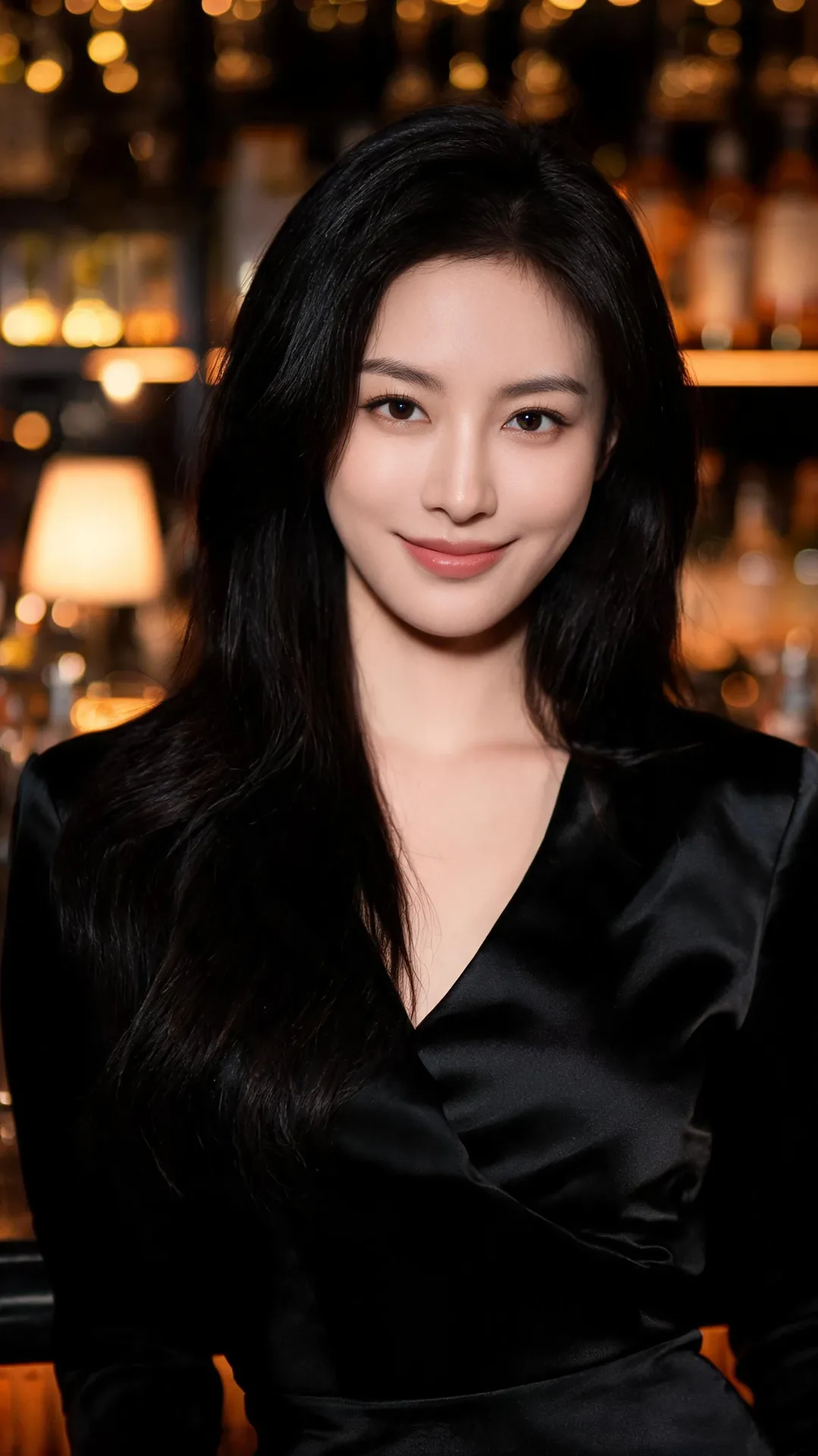
Free NSFW AI Generator Online: No App, Nothing to Install
It runs in a browser tab on a phone or a laptop — no download, no waiting on a queue for a model to warm up. Trying it is free; the account step is what hands the finished picture over.
Run It in the BrowserHow the NSFW AI Generator Works in Three Steps
- ✎
Step 1
Start From the Prompt Box
A full starter prompt is already loaded, so one press of Generate puts a first run through before you have written a word. After that the box is yours: keep a phrase, cut a phrase, or clear it and start on your own line.
- ★
Step 2
Say the Parts That Matter
Specifics are what the model has to work with: who is in the frame, what they are wearing, the light, the lens, the era, the mood. Name them and the render follows the description; leave one out and that call gets made for you.
- ↓
Step 3
Generate, Then Change One Word
Every pass draws from scratch rather than nudging the last one, so two runs of the same line come back as two different pictures. Keep the line, swap a single word — satin to leather, dusk to noon — and compare what changes.
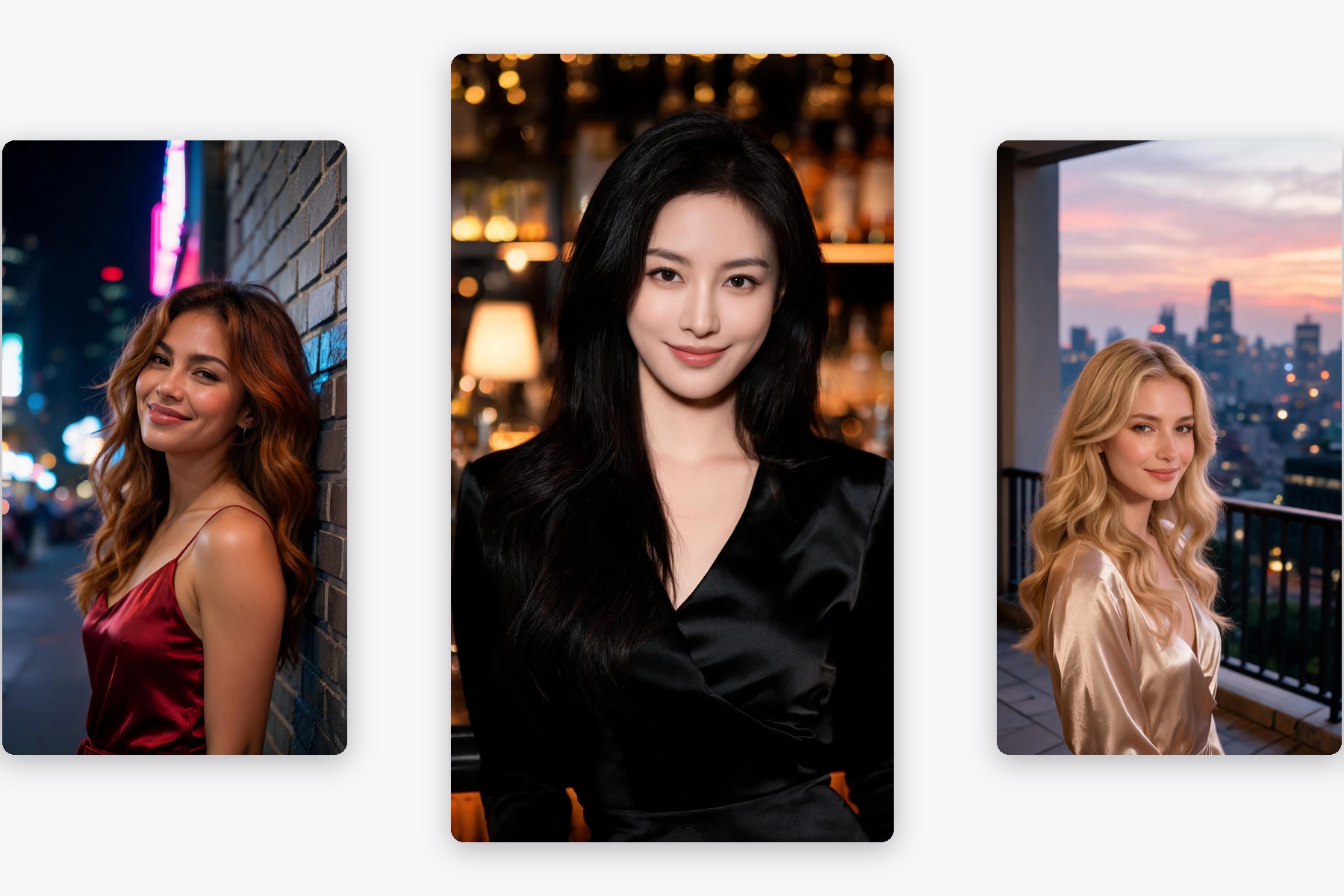
- No approved-theme dropdownGlamour portraits, club-night scenes, film-noir stills, cyberpunk streets, fantasy characters — one starter prompt ships with the page and everything after it is whatever you type. What gets drawn is settled in the box, one line at a time.
- The prompt box is the whole interfaceOne field takes the whole idea: subject, wardrobe, light, lens, mood. Write the line the way you thought of it, press Generate, and read what comes back before deciding what to change. Think of it as a prompt-first NSFW AI maker and image creator in one box rather than a menu of presets.
- Free to tryRunning it costs nothing, whether you keep the starter prompt or replace every word of it. The account step comes at the end, and what it opens is the finished picture itself — full size, and yours to save.
User Reviews
I do covers for a small horror press. The brief is usually one weird sentence and I need six versions of it by Friday — this is the first thing I have used where the weird sentence goes in as written.
Kept my line and changed one word at a time: satin, then leather, then wet silk. Same rooftop, same blue rim light, three completely different pictures.
Ran one line a dozen ways in a single sitting, which is more tries than I usually get out of a tool this size. Crowded scenes still muddle the faces further back, so I keep it to one or two figures and it holds up.
NSFW AI Generator FAQ
Is the NSFW AI generator free?
Running it is free — the starter prompt and every rewrite you make of it both generate without payment. Signing in is the last step, and it is what puts the full-size picture on your screen to save.
How NSFW does it actually get?
The range comes from there being no theme list at all, not from a dial we set in advance. Pin-up and boudoir lighting, club and festival nights, satin and leather styling, horror and occult concepts, high-gloss fashion — every one of them goes in through the same box, phrased in your words rather than picked off a menu. What any single pass hands back is the model's own call on the day; what this page offers is the missing list of allowed themes, not a guaranteed level of skin.
Do I need a photo to start?
No — this page starts from text alone, which is why there is no upload slot on it. The people in the results are invented by the model rather than lifted from a picture you supply. If you want to start from a photo you already have, the cards further down go to the tools that do.
How is this different from a general uncensored generator?
It is the NSFW branch of the same idea: one box, no approved-theme list and no censorship list in between, and the subject decided by whoever is typing. That is what uncensored artificial intelligence means on this page — the model draws the line you wrote rather than one picked from an allowed set. Where it lands depends on how specific you are: vague lines get generic pictures on any generator, so name the wardrobe, the light and the camera.
Where can these images actually go?
Concept art, mood boards, character sheets, cover roughs, social posts and personal projects. Everyone in these frames is invented rather than photographed, and the prompts describe adults; keep it there, or to a real person who has agreed to appear, and the generation stays open to you.
Does it generate nudes and explicit scenes?
The prompt box can describe nude and explicit adult subjects, which is what free AI nudes searches are after: name the body, pose, light and framing and the model draws that line. It is not a nudify app that edits a photo of a real person — the people in the results are generated from text, and only adults belong in the prompt.
Is there a limit on how many images I can make?
There is no preset limit on what a line may describe, and nothing is capped by a theme list; very long lines simply take longer to render. Paid generation is what spends credits, while the free trial covers the starter prompt and your rewrites of it.
Is it unrestricted and unfiltered?
Unrestricted and unfiltered describe the interface, not the output: no theme menu to choose from, no separate safe mode to switch off, one box that takes what you write. They are not a promise about any single result — the model still evaluates each line, and platform rules and the law still apply to what you make and publish. Read them as a description of the surface you are typing into, not as a guarantee about the picture that comes back.
Is there an 18+ age requirement?
Yes. The prompts on this page describe adults and the images are meant for adult concepts: pin-up, boudoir, club and festival styling, horror and occult art. Only describe adults, and only work with images you have the right to use.
Can it make NSFW art, not just photos?
The same prompt box covers both. Ask for a photorealistic frame with lens, light and skin texture, or ask for illustration, comic, ink or painterly art with the same subject. Switching between an NSFW photo look and an NSFW art look is a matter of the words in the line, not a different tool.